 CyberFreezeDev
- Home
- Blog
- Industry guides
- WhatsApp appointment reminders for clinics
WhatsApp appointment reminders for clinics
Most missed appointments are forgotten, not cancelled. A short sequence of WhatsApp reminders with confirm, reschedule and cancel buttons gives patients an easy way to tell you, so the slot can go to someone else. Here is the sequence, the template wording and the consent rules.
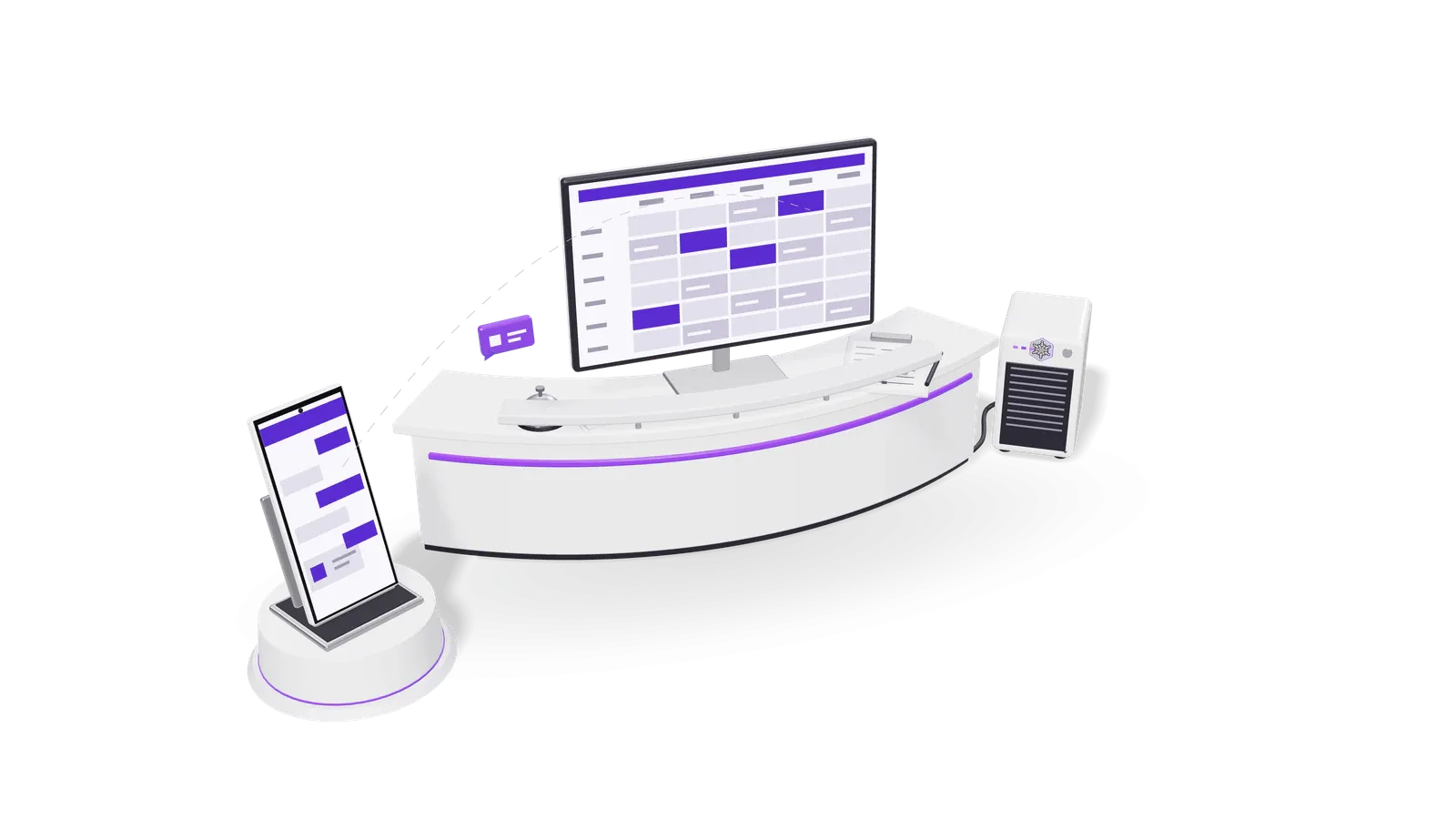
Most patients who miss an appointment did not decide to skip it. They forgot, or something came up and calling the clinic to cancel felt like more effort than not turning up. WhatsApp reminders fix both problems: the patient sees the reminder where they already read messages, and one tap on Confirm, Reschedule or Cancel tells the front desk what will happen, early enough to give the slot to someone else.
Below: the reminder sequence we suggest for clinics in India, the wording of each message, the WhatsApp rules that apply, and what the DPDP Act 2023 means for the data involved.
The reminder sequence
Five messages cover the life of one appointment. Each is a WhatsApp template: a message you write once, get approved by Meta, and then send with the patient's details filled in.
| When | Message | Buttons | Template category |
|---|---|---|---|
| Right after booking | Booking confirmed: date, time, doctor, clinic address and map link | Add to calendar (link), Reschedule | Utility |
| 24 hours before | Reminder of tomorrow's appointment | Confirm, Reschedule, Cancel | Utility |
| 2 hours before | Short reminder with the address and parking or landmark note | Running late, Cancel | Utility |
| 30 minutes after a missed slot | "We missed you today" with a link or button to book again | Book again | Utility |
| After the visit | Follow-up the doctor asked for, such as a review date or a report being ready | Book review | Utility |
Why these timings:
- 24 hours before is the reminder that saves slots. A cancellation the day before can be offered to a waiting patient; a cancellation an hour before usually cannot.
- 2 hours before catches the patient who confirmed yesterday and then forgot. Keep it short: time, address, one button.
- After a no-show a polite note with a rebooking button brings back patients who meant to come. Send it once. Do not chase.
Fewer messages are better. WhatsApp rates each business number and template on how people respond, and if many patients block or report your messages, Meta can limit what you send. Few messages, all expected, all about the patient's own booking, each with a way to stop, keep the number in good standing.
What the templates should say
Write each template so it would be harmless if someone else read the patient's phone. That rules out the reason for the visit, the test or procedure name and any diagnosis. Name the doctor and the clinic, not the condition.
On booking:
Hello {{1}}, your appointment with {{2}} at {{3}} is booked for {{4}} at {{5}}. Address: {{6}}. Reply here or use the button if you need to change it. [Reschedule]
24 hours before:
Hello {{1}}, a reminder of your appointment with {{2}} tomorrow, {{3}} at {{4}}. Please confirm, or let us know if you need a different time. [Confirm] [Reschedule] [Cancel]
2 hours before:
Hello {{1}}, see you at {{2}} today at {{3}}. {{4}} (landmark or parking note). [Running late] [Cancel]
After a missed appointment:
Hello {{1}}, we missed you at your appointment with {{2}} today. If you would like another time, tap below and we will book it. [Book again]
Three rules keep these in the utility category:
- No offers. Meta's rules say a utility template must be non-promotional and tied to something the person asked for, such as their own booking. A reminder that also mentions a discount on a health check is treated as marketing, and Meta has been reclassifying templates that mix the two automatically since July 2024.
- One purpose per template. A reminder reminds. Reviews, newsletters and offers go in separate marketing templates, sent only to patients who agreed to them.
- Buttons that do something. Quick reply buttons such as Confirm and Cancel are part of the template. Each one sends a reply your system can read, which is what makes the rest of this guide work.
The WhatsApp rules that shape the sequence
- Templates outside the 24 hour window. When a patient messages your number, a customer service window opens for 24 hours, and inside it you can reply in free text. Outside it, Meta's own documentation is plain: "Template messages are the only type of message that can be sent to WhatsApp users outside of a customer service window." Reminders are almost always sent outside a window, so they must be approved templates.
- Opt-in first. Meta requires that the person has agreed to receive messages from your business, that you say clearly they are opting in, and that you name the business. The opt-in can be collected on your website, by SMS, on a phone call or on paper at the front desk. The simplest place is the booking form: one line, not a pre-ticked box, saying the patient agrees to appointment messages on WhatsApp from the clinic by name.
- Paid per message. Since 1 July 2025 Meta charges per delivered template message, at a rate that depends on the category and the patient's country. From 1 October 2026 utility templates are charged even when a customer service window is open. Check the current rates on Meta's pricing page before you decide how many reminders to send.
Consent, opt-out and the DPDP Act
The Digital Personal Data Protection Act 2023 applies to the name, phone number and appointment details you hold for each patient. The DPDP Rules 2025 were notified in November 2025, and most of their duties on notice, consent, security and breach reporting apply from 13 May 2027 under the Rules as notified. MeitY has discussed shortening that period, so check the current date on meity.gov.in. Setting reminders up correctly now costs nothing extra.
What that means in practice:
- Say what you will send and why. The consent line at booking should say the clinic will send appointment confirmations and reminders on WhatsApp. That purpose covers the five messages above. It does not cover marketing.
- Make stopping easy. Add "Reply STOP to stop these messages" to the booking confirmation, and make sure STOP actually stops them. Withdrawing consent should be as easy as giving it.
- Keep health details out of WhatsApp. The Act does not set up a special class for health data, but a leaked reminder that names a test or a condition does real harm to a patient. Reminders carry the time, the doctor and the place. Reports, prescriptions and anything clinical stay in your practice system or go out through a secure link the patient opens.
- Collect less. A reminder needs a name, a phone number, a date and a doctor. It does not need the patient's age, address or reason for the visit.
- Know who sends. If a company runs the WhatsApp number or the reminder system for you, they process patient data on your behalf. Put that in a written agreement.
This is a practical summary, not legal advice. For your own clinic's obligations, speak to a lawyer who works on data protection.
How replies get back to the front desk
Reminders only reduce no-shows if someone acts on the answers. The useful part of the setup is not the message; it is what happens when the patient taps a button:
- Confirm marks the appointment confirmed in the booking list, so the front desk can see the day's confirmed patients at a glance.
- Cancel frees the slot and, if you keep a waiting list, offers it to the next patient automatically with a message of its own.
- Reschedule either sends the patient a link to pick a new slot or puts the request in a queue for the receptionist to call back.
- Running late tells the doctor's assistant, so the next patient can go in first.
- Any free text reply (a question, a voice note) goes to a person, inside the 24 hour window that the reply has just opened.
This works alongside the practice management or booking software the clinic already has, reading appointments from it and writing confirmations back, rather than replacing it. Our clinic automation work is built that way, and WhatsApp CRM keeps every patient conversation in one shared inbox for the front desk.
WhatsApp Business app or the API?
The free WhatsApp Business app on a phone is built for a person typing messages. It cannot send a reminder by itself 24 hours before each appointment, read button replies into your booking list, or work from several desks at once. Automated reminders need the WhatsApp Business Platform (API), either through Meta's Cloud API directly or through a provider. A number already in use on the app can be moved to the API, which takes some planning; ask before you switch, because the move changes how the number is used day to day.
What to measure
Ignore anyone who promises a fixed drop in no-shows. Clinics differ too much. Measure your own:
- Before you start, count four weeks of appointments and no-shows for each doctor. That is your baseline.
- After launch, track the same numbers, plus how many patients tapped Confirm, Reschedule and Cancel, and how many cancelled slots were filled from the waiting list.
- Watch the opt-outs. A rising number of STOP replies or blocks means you are sending too many messages or the wrong ones.
After eight to twelve weeks you will know whether the 2 hour reminder earns its place, and which doctors' patients need a different time.
Questions clinics ask
Can we send reminders from the receptionist's own phone? You can type them by hand from the WhatsApp Business app, but nothing is automatic and the replies stay on one phone. For more than a handful of appointments a day, use the API.
Can the reminder include the test or procedure name? We advise against it. Anyone who sees the patient's phone can read the message. Keep clinical details in your own system.
Do we need the patient's consent if they booked on WhatsApp themselves? They have shown they want to talk to you on WhatsApp, but record a clear agreement to reminders all the same, with the clinic named, as Meta asks. One line in the first reply does it.
What happens if a patient replies STOP? Stop all reminder templates to that number, mark it in the booking list so the front desk knows to call instead, and keep the record of when they opted out.
Can we also send health tips or offers? Only as separate marketing templates, to patients who agreed to them. Never mix them into reminders.
Setting it up for your clinic
If you want reminders that read from your booking system and write the answers back to it, book a consultation. We will look at how appointments are booked today, which reminders you need, and what has to change at the front desk for the replies to be used.