CyberFreezeDev Loading
  1. Home
  2. Products
  3. Desk
Live

Desk: CRM and project management in one login

CRM and project management in one login for small and mid-size teams that sell, then deliver.

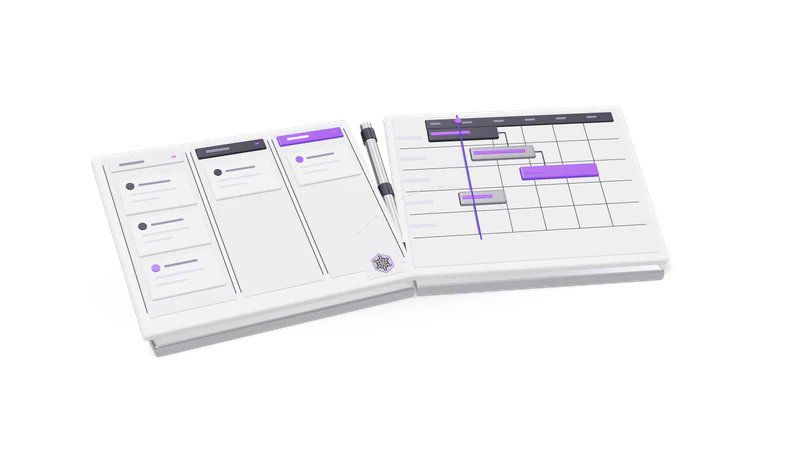
3D render of a sales pipeline board and a project Gantt board, hinged like an open book

At a glance

Desk
Deployment
Web app, built and hosted by CyberFreezeDev
Built for
Small and mid-size sales and delivery teams
Wings
CRM and Projects, one login
Organisations per login
Several; you work in one at a time
CRM visibility
Organisation wide for active members
Projects visibility
Only the projects you were given
AI sends mail or invites
Only after a person approves it
Getting access
Demo on request

What Desk is

A CRM and a project tool that share the same customers.

Desk puts sales and delivery under one login: a CRM wing and a Projects wing. It is live, with paying users.

Read more about What Desk is

Most small teams run sales in one tool and delivery in another, then spend Monday mornings copying names between them. Desk is the product we built so that does not happen. It has two wings under one login.

  • CRM: accounts and leads, opportunities in pipelines, contacts, tasks, calls and meetings, mail, referrals, an activity feed and reports.
  • Projects: projects, project tasks on a board, comments and work logs.

Desk is live and has paying users. We build and host it ourselves at CyberFreezeDev, and the same engineers who write it answer your questions. If what you need is a CRM wired into WhatsApp or your own stack rather than a product, that is our WhatsApp CRM automation service service.

Who it is for

Service businesses that sell, then deliver

The won deal and the project after it sit against the same client.

Read more about Service businesses that sell, then deliver

Agencies, consultancies and firms whose deal turns into a project. The won opportunity and the project that follows sit in the same login, against the same client.
Sales teams that live on calls and referrals

Every lead keeps its source, so you see which channels actually close.

Read more about Sales teams that live on calls and referrals

Teams where leads come from ads, website forms, walk-ins and referral networks, and where the call is where the deal moves. Every lead carries its source, so you can see which channels actually close.

Owners running more than one business

Several organisations in one login, each with its own records.

Read more about Owners running more than one business

One login can hold several organisations, each with its own records, so a founder with two companies does not need two accounts. See multi-organisation.

How work moves through Desk

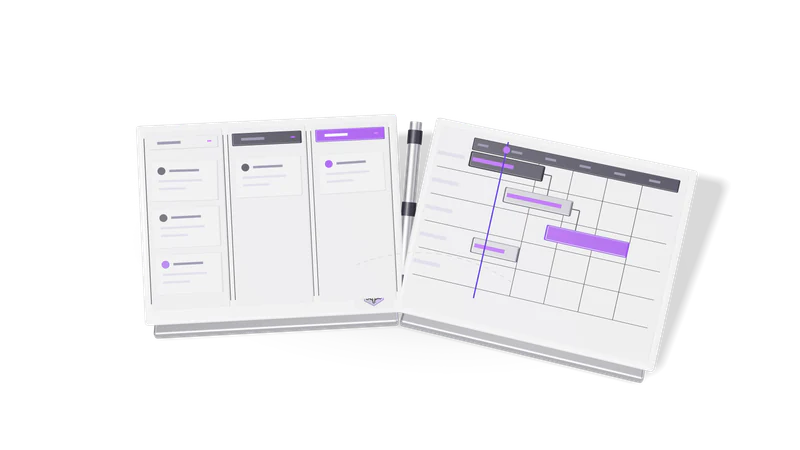
Fig. 01 Overhead: a won card crossing from the pipeline to the project board
  1. 01 A lead arrives

    Email and phone are checked against existing records so nobody is entered twice.

    Read more about A lead arrives

    From a Meta or Google ad, a website form, a referral or a walk-in. Desk checks email and phone (with +91 and leading zero normalised) against existing records before it creates anything, so the same person is not entered twice.

  2. 02 It becomes an opportunity

    Deals move through pipeline stages with calls, meetings and mail logged against the account.

    Read more about It becomes an opportunity

    The deal moves through the stages of your pipeline. Calls, meetings, tasks and mail are logged against the account, so anyone picking it up can read the history.

  3. 03 Won deals become projects

    Delivery runs on task boards with comments and time logged per day.

    Read more about Won deals become projects

    Delivery happens in the Projects wing: tasks on a board with columns per project, comments on each task, and time logged against the day the work happened.

  4. 04 The month gets reviewed

    Won, lost and new deals, leads by source and stalled deals, compared with last month.

    Read more about The month gets reviewed

    The monthly review shows deals won, lost and created, leads by source, stalled deals and the change from last month. See reports and monthly review.

Capabilities

Follow a name for the full feature page.

How a demo works

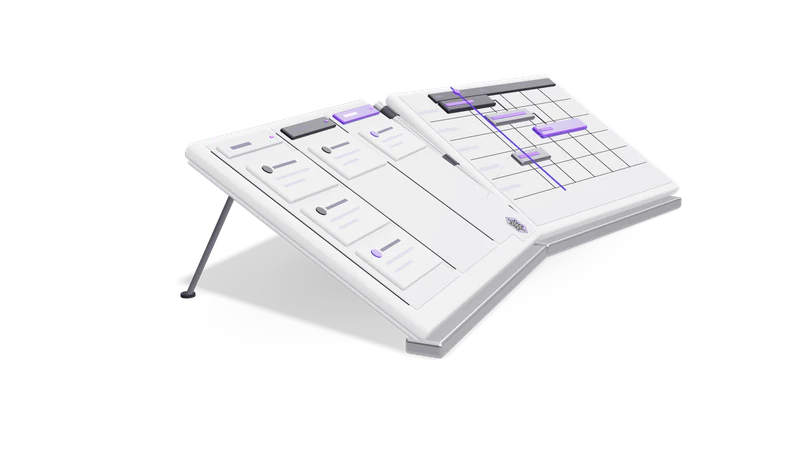
Fig. 02 Side view: the pipeline and Gantt boards on their hinge
  1. 01 Request a demo

    Tell us who sells, who delivers and what you use today, spreadsheets included.

    Read more about Request a demo

    Use the contact form. Tell us how many people sell and deliver, and what you use today, even if it is a spreadsheet and a WhatsApp group.

  2. 02 A walkthrough on a demo organisation

    From new lead to won deal to project, shown on sample data.

    Read more about A walkthrough on a demo organisation

    An engineer takes you from a new lead through a pipeline, a logged call, a won deal and the project that follows, using sample data.

  3. 03 Your process, mapped onto Desk

    We compare your stages and reports with Desk and say where it fits.

    Read more about Your process, mapped onto Desk

    We compare your current stages and reports with what Desk does today and tell you where it fits and where it does not.

Questions

Do we need separate CRM and project management tools with Desk?

No. Both live under one login and share the same accounts. What a person sees in Projects depends on the projects they were given; the CRM is shared across the organisation.

Can the AI assistant email our leads?

It can propose an email, a WhatsApp message or a meeting invitation. Nothing is sent until a person approves it in Desk, under Approvals.

Is there a free trial?

No. Desk is available by demo. Request one and an engineer will walk you through it.

Can one person use Desk for two companies?

Yes. One login can belong to several organisations. You work in one at a time and switch between them, so records never mix.

How does Desk relate to Fint?

They are separate products from the same team. Desk handles customers, sales and delivery; Fint handles invoices, expenses, banking and GST.

Last updated