CyberFreezeDev Loading
  1. Home
  2. Services
  3. AI agent development

AI agents that do real work inside your business tools

AI agents that act inside your tools, with a person approving anything irreversible.

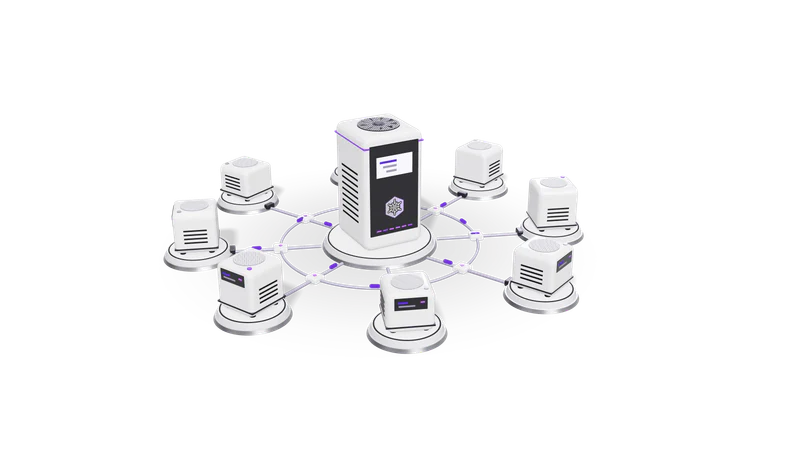
3D render of small AI agent units on plinths, cabled to a central orchestrator unit

At a glance

AI agent development
Models
Claude, GPT and Gemini through their APIs, or open-weight models such as Llama and Qwen hosted privately
Tool access
REST and GraphQL APIs, webhooks, databases, Google Workspace, MCP servers
Orchestration
Plain code with the model provider SDKs, or n8n when your team wants to see and edit the flow
Safety
Draft and approve pattern, per tool permissions, spending and rate limits, full action log
Channels
Web app, WhatsApp, email, Slack or a scheduled background job
Hand over
Source code, prompts under version control, test set, runbook

What an AI agent is, in practical terms

An agent is a model with a goal, allowed tools and a loop. The hard part is deciding what it may do alone.

Read more about What an AI agent is, in practical terms

A chatbot answers questions. An AI agent does work. It is a language model given a goal, a set of tools it is allowed to call (search the CRM, read an invoice, create a task, draft an email) and a loop: look at the situation, pick a tool, read the result, decide again, stop when the goal is met or a person is needed.

That loop is what makes AI agent development different from building a prompt. The hard parts are not the model. They are deciding which tools the agent may touch, what it may do alone and what it must hand to a person, how it recovers when an API returns an error, and how you see afterwards exactly what it did and why.

We build agents the same way we build them for our own products. In Fint an agent reads bills and bank lines and proposes expenses, deposits and draft invoices, but nothing reaches the books until a person confirms it in an Inbox. In Desk an AI assistant can be handed tasks inside the CRM and project tracker. Inside our own engineering work we run agent-talk, a mailbox that lets agents working in different projects message each other, which we write about in multi-agent systems.

If you are unsure whether you need an agent or a chatbot, start with chatbot vs AI agent, and if a fixed workflow might do, read AI agent vs workflow automation. The broader idea is explained under agentic AI.

Agents we build

Each one starts from a job a person on your team does today, step by step.

Back-office agents

Bills and delivery notes matched to records, with entries prepared for a person.

Read more about Back-office agents

Read incoming bills, purchase orders or delivery notes, match them to records, flag mismatches and prepare entries for a person to confirm. Pairs well with our OCR and document intelligence work.

Sales and lead agents

Enquiries qualified, checked against the CRM, assigned to a rep and given a draft reply.

Read more about Sales and lead agents

Qualify new enquiries from forms or WhatsApp, look up the contact in your CRM, check for duplicates, assign the lead to the right rep and draft the first reply. One anonymous engagement used n8n, the WhatsApp Business API, a CRM and Claude for exactly this.

Research and reporting agents

Figures pulled from several systems, compared with last week and summarised with source links.

Read more about Research and reporting agents

Pull figures from several systems on a schedule, compare them with last week, write a short summary and post it to email or Slack, with links back to the source rows.

Operations agents

Tickets and approvals sorted, routed with a stored reason and chased when they stall.

Read more about Operations agents

Watch a queue (support tickets, approvals, failed payments), sort each item, route it with a reason attached and chase the ones that stall. The routing reason is stored so a manager can audit it.

Multi-agent setups

A planner splits the request and worker agents each own one system.

Read more about Multi-agent setups

Where one agent would need too many tools, we split the work: a planner that breaks a request into tasks and workers that each own one system. They pass messages rather than sharing one huge prompt.

How a project runs

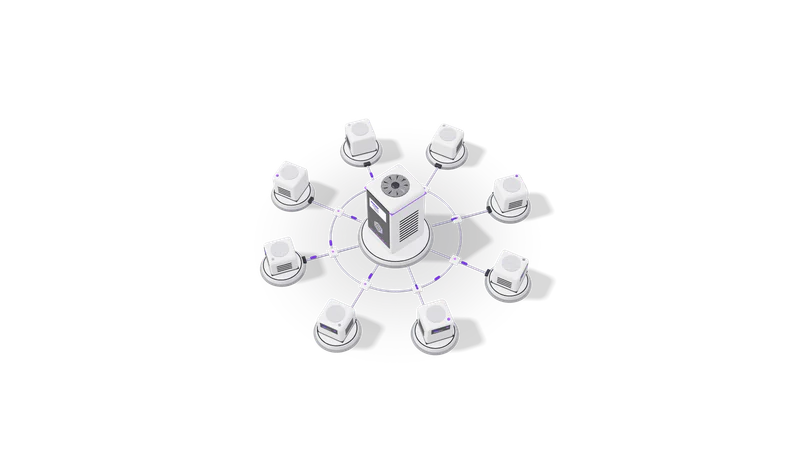
Fig. 01 High angle: each agent unit cabled to the orchestrator
  1. 01 Walk through the job

    Every step, system and judgement call in the job becomes the agent's task list.

    Read more about Walk through the job

    We sit with the person who does the work now and record every step, every system they open and every judgement call. This becomes the agent's task list and the first test cases.

  2. 02 Define tools and permissions

    Each action is a narrow tool: run alone, draft for approval, or blocked.

    Read more about Define tools and permissions

    Each action becomes a narrow tool with typed inputs, for example create_draft_invoice(customer, items) rather than open database access. We decide per tool whether the agent acts alone, drafts for approval or is not allowed at all.

  3. 03 Build against real examples

    Built on 30 to 100 masked past cases, with failures kept as regression tests.

    Read more about Build against real examples

    We collect 30 to 100 real past cases from your data (with personal details masked where needed) and build until the agent handles them. Failures are kept as regression tests.

  4. 04 Run in shadow mode

    The agent only drafts on live work while your team compares results.

    Read more about Run in shadow mode

    The agent runs on live work but only drafts. Your team compares its drafts with what they actually did. We tune prompts, tools and limits from those differences.

  5. 05 Switch on approvals, then autonomy where earned

    A person approves each action; proven low-risk ones may later run alone.

    Read more about Switch on approvals, then autonomy where earned

    The agent goes live with a person approving its actions. Low-risk actions that are approved unchanged for long enough can be moved to run alone. High-risk ones stay behind approval.

  6. 06 Monitor and hand over

    Every run logged with cost. You get the code, prompts, tests and runbook.

    Read more about Monitor and hand over

    Every run is logged with inputs, tool calls, outputs and cost. You get the code, prompts, test set and a runbook, and we can stay on for support.

Guardrails we put in every agent

Draft first, confirm second

The agent proposes and a person confirms, the same pattern Fint uses.

Read more about Draft first, confirm second

The pattern from Fint: the agent proposes, a person confirms. It is slower than full autonomy and far cheaper than undoing a wrong payment or a message sent to the wrong customer.

Least privilege

Separate keys per agent, read-only where possible and no tool that deletes.

Read more about Least privilege

Separate API keys per agent, read-only wherever writing is not needed, and no tool that deletes. If the agent is fooled by a malicious email, the damage it can do is limited by what its keys allow.

Budgets and stop conditions

Caps on steps, spend and messages; at a cap, the agent stops and asks.

Read more about Budgets and stop conditions

A cap on steps per task, on model spend per day and on messages per hour. When a cap is hit the agent stops and asks.

Readable logs

Each action is stored with the model's reason, so any decision can be traced.

Read more about Readable logs

Each action is recorded with the reason the model gave. When someone asks why a lead went to a particular rep, the answer is one click away.

Questions

How is an AI agent different from an n8n or Zapier workflow?

A workflow follows fixed branches you drew in advance. An agent decides which step to take next based on what it reads. We often combine them: n8n handles the fixed plumbing (triggers, retries, credentials) and an agent node handles the steps that need judgement.

Can the agent run on our own servers?

Yes. For sensitive data we run open-weight models on hardware you control. Tool calling quality varies between models, so we test your actual tasks on the candidate models before committing. See private AI deployment.

What stops the agent from doing something wrong?

Narrow tools, per tool permissions, spending and step limits, and human approval on anything consequential. The agent cannot call a tool it was not given, and the tools themselves check inputs before acting.

Which tools can it connect to?

Anything with an API. We build integrations with Google Workspace, the WhatsApp Business API, Razorpay, Shopify, Tally and most CRMs. Where a system has no API we look at email parsing, exports or an MCP server wrapping a database view.

How do we know it is working after launch?

Every run is logged, and we keep a test set of real cases that is rerun whenever prompts, tools or the model version change. You see approval rates and edits made by your team, which shows where the agent still needs help.

Last updated