Legacy software
Entering data into older accounting, ERP or hospital systems with only a desktop interface.
Read more about Legacy software
Entering data into an older accounting, ERP or hospital system that only has a desktop interface.
 CyberFreezeDev
Loading
CyberFreezeDev
Loading
A software robot that uses your apps like a clerk: logging in, clicking, typing.
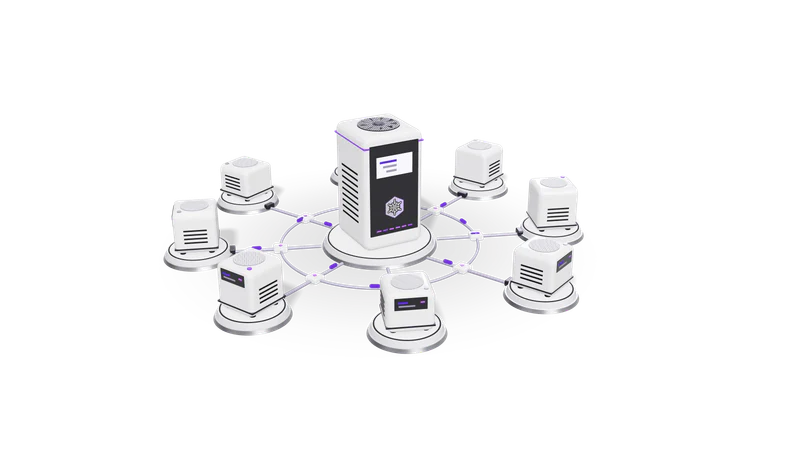
An RPA bot replays scripted screen actions: it opens an app or portal, finds fields, enters data and reads results. No physical robot is involved.
Robotic process automation (RPA) is a category of software that records or scripts actions on a computer's user interface and replays them. A "bot" opens a desktop app or web portal, finds fields by their position, label or underlying element, enters data, presses buttons and reads results back.
Well known RPA platforms include UiPath, Automation Anywhere and Microsoft Power Automate desktop flows. The "robotic" in the name is a metaphor: it is ordinary software.
APIs are faster and more stable, but RPA works through the screen where no API exists. The cost: a moved button can stop it.
API-based workflow automation talks to an application's back end directly, through documented endpoints and webhooks. It is faster and more stable, but it needs the application to offer an API.
RPA goes through the front end. That makes it the option for old desktop software, government portals and internal tools that have no API. The cost is fragility: a moved button, a new pop-up, a slow page or a changed login flow can stop the bot.
Entering data into older accounting, ERP or hospital systems with only a desktop interface.
Entering data into an older accounting, ERP or hospital system that only has a desktop interface.
Downloading statements from sites with no export API, after checking their terms.
Downloading statements or reports from websites that offer no export API. Check the portal's terms first; some forbid automated access.
Keeping an old and a new system in step until the old one retires.
Keeping an old and new system in step until the old one is retired.
Purchase order PDFs are extracted, a person reviews unsure lines, and an RPA bot types approved lines into an ERP that has no API.
A distributor receives purchase orders as PDFs and keys them into a desktop ERP that has no API. The improved setup splits the job: an intelligent document processing step extracts the order lines into structured data, a person reviews anything the extractor is unsure about, and an RPA bot types the approved lines into the ERP screen. If the ERP later gains an API, only the last step changes.
If the system has an API or import format, use it. It breaks far less.
If the system has an API or an import format, use it. It will break far less often.
Log every run, screenshot failures and alert a person, because bots fail on surprises.
Bots fail on unexpected screens. Log every run, take a screenshot on failure, and alert a person.
Give each bot its own account with minimum permissions, so its actions are traceable.
Give each bot its own account with the minimum permissions, so its actions are traceable.
No. Classic RPA follows fixed scripts and does not understand what it reads. AI is often added for the judgement parts, such as reading documents or classifying requests, while RPA handles the clicking.
They depend on the screen looking exactly as expected. Software updates, pop-ups, slow loading or a changed layout can all stop them. API integrations avoid this.
Agents that can see and operate a screen are more flexible with layout changes, but they are slower and less predictable per step. For high-volume, unchanging tasks, scripted RPA or an API is still easier to trust and audit.
Last updated