CyberFreezeDev
- Home
- Blog
- How-to guides
- AI inference: pay per token or run your own GPU server?
AI inference: pay per token or run your own GPU server?
Every reply an AI system gives is inference, and you pay for it either per token to an API or in hardware, power and people on your own server. Here is how each is billed, what really drives the cost of a server, and a method to estimate both for your workload.
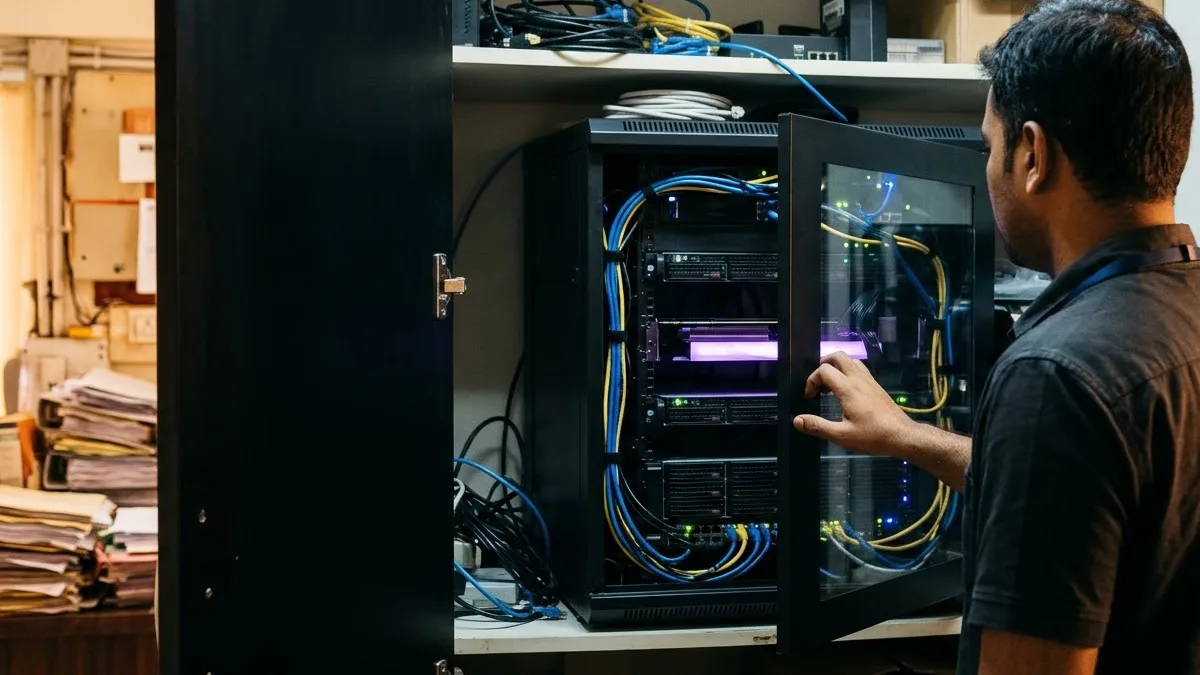
AI inference is the work a trained model does every time you use it: each chat reply, each document it reads, each image it checks. Training happens once, inference happens for as long as the system is in use, so for most businesses it is where the running cost sits (our glossary entry on what AI inference is covers how it works step by step).
The business question is how to pay for it: per token to an API provider, or by running a model on a GPU server you own or rent. Neither is always cheaper. Below is how each is billed, what drives the cost of a server, how much one server can serve, and a method you can fill in with your own numbers.
Two ways to pay for inference
With an API, you send prompts to a provider's model and pay for the tokens going in and coming out. Nothing to buy, cool or patch, and the bill follows usage.
With your own server, you run an open-weight model on a GPU in your office, a data centre or a rented cloud machine. The bill is mostly fixed: hardware or rent, power, and the people who keep it running. It barely moves whether the server answers ten questions a day or ten thousand. That difference, a variable bill against a fixed one, decides most of the comparison.
How API inference is billed
Every major provider uses the same basic structure, priced per million tokens. As examples, we checked Anthropic's pricing page and OpenAI's pricing page on 26 October 2026.
- Input tokens. Everything you send: system prompt, user message, retrieved documents and the conversation so far.
- Output tokens. Everything the model writes back, at a higher rate than input on both pages.
- Cached input. When many requests start with the same long prefix, such as a fixed instruction block, the reused part is billed far lower. Anthropic charges 1.25x the input price to write a 5 minute cache entry and 0.1x to read it on most models.
- Batch discount. Work that can wait goes through a batch API at a 50 percent discount on both pages; OpenAI says each batch completes within 24 hours.
- Modifiers. Some models charge more above a prompt length threshold (272K input tokens on the OpenAI models we looked at, 100,000 on Claude Haiku 5.5). Keeping processing in one region costs extra: 1.1x for US only inference at Anthropic, a 10 percent uplift for regional processing at OpenAI.
Two practical points. A token is not a word, and models split the same text differently: Anthropic notes its newer models produce about 30 percent more tokens for the same text, so measure with the provider's usage figures. And long prompts are where bills grow quietly: a manual pasted into every request is paid for on every request.
What a GPU server costs to run
The card's price is only the start. The monthly cost of a server has six parts.
- Hardware or rent. The purchase spread over its useful life, or the monthly rent of a dedicated or cloud GPU server.
- Power. The rated draw is on the datasheet: NVIDIA lists the L40S at a maximum of 350 W. At that ceiling one card uses 8.4 kWh a day, about 252 kWh in 30 days, before the rest of the server. Multiply by your tariff.
- Cooling. Every watt drawn ends up as heat. On site, the air conditioning removes it, a second power bill; in a data centre it is in the colocation price.
- Utilisation. The server costs the same busy or idle. Busy for eight office hours and idle for sixteen, each token costs three times what it would at full use around the clock.
- Engineer time. Drivers, serving software, monitoring, failures. Put monthly hours against it.
- Model updates. Testing a new open-weight model on your own questions, swapping it in and rolling back if it is worse is recurring work.
The fixed cost is also the advantage: once paid, heavy use does not raise it.
How much one server can actually serve
A server's capacity is measured in tokens, not users. The metrics worth knowing are defined in NVIDIA's benchmarking guide:
- Time to first token (TTFT): how long a user waits before the reply starts. Long prompts and queuing make it worse.
- Inter token latency: the average gap between tokens once the reply is streaming.
- Tokens per second (TPS): total output across all requests running at once.
These pull against each other. As concurrent requests increase, total system TPS goes up while TPS per user goes down, and once the GPU's compute is saturated, total TPS can start to fall. So a server has no single capacity figure, only a capacity at a latency you accept.
Serving software matters. vLLM uses continuous batching, which adds new requests as soon as earlier ones finish instead of waiting for a whole batch, and PagedAttention, which manages the memory each conversation's context uses. In their 2023 paper its authors reported 2 to 4 times the throughput of FasterTransformer and Orca at the same latency. Quantization helps from the other side: in vLLM's words it trades model precision for a smaller memory footprint, which leaves room for more concurrent conversations or a larger model. Our VRAM calculator shows how weights, context and quantization add up.
Plan only on a capacity figure you measured on your hardware, with your model, prompt lengths and concurrency.
Estimate it for your own workload
A first estimate fits on one page. The inputs below are labelled examples to show the arithmetic, not figures from a real client.
| Input | Symbol | Example value |
|---|---|---|
| Requests per working day | R | 2,000 |
| Input tokens per request (prompt, context, history) | I | 1,500 |
| Output tokens per request | O | 300 |
| Working days per month | D | 22 |
| Share of daily requests in the busiest hour | H | 20 percent |
- Monthly input tokens = R x I x D. In the example: 2,000 x 1,500 x 22 = 66 million.
- Monthly output tokens = R x O x D. In the example: 2,000 x 300 x 22 = 13.2 million.
- API bill = (input millions x input price) + (output millions x output price). Use today's list price for the model you would use. Move repeated prefixes to the cached rate and anything that can wait a day to the batch rate.
- Peak load = R x H x O / 3,600 output tokens per second. In the example: 2,000 x 0.2 x 300 / 3,600 = about 33 output tokens per second through the busiest hour, plus prefill for 400 prompts of 1,500 tokens. A server must sustain this at your acceptable time to first token.
- Server monthly cost = hardware or rent + power + cooling + engineer hours x hourly cost + model update time.
- Compare. If the API bill is well below the server cost, use the API. If it is above, and a measured test shows the server carries your peak load at the latency you need, the server wins on cost. Then check the factors in the next table, which are often decisive on their own.
Run the numbers for next year too: a bill that grows with every new user can flip the answer.
When each option wins
| Factor | A per token API wins | Your own server wins |
|---|---|---|
| Volume | Low or irregular use; a GPU would sit idle | Steady, high volume through the day, or large nightly batches |
| Data | Data a provider may process under a data processing agreement | Data a client contract, an auditor or a law such as India's DPDP Act 2023 or UK GDPR says must stay under your control |
| Latency | Users anywhere, and a few seconds is fine | Users on your own network, or sites where the internet connection drops |
| Cost shape | You want the bill to follow usage | You want a predictable monthly figure that heavy use does not raise |
| Model | You need the strongest hosted model for hard reasoning | An open-weight model passes your own evaluation questions |
| Operations | No one in house to run a server | Someone owns uptime, monitoring and updates, in house or by contract |
Many businesses end up with both: private inference for confidential documents and steady internal work, a hosted API for occasional hard tasks.
What CyberFreezeDev does here
Our private AI deployment work installs open-weight models such as Llama, Qwen and Mistral on hardware you control, served through vLLM, llama.cpp or Ollama behind an OpenAI compatible API. We size it from your concurrent users, context length and acceptable latency, and if a hosted API is the better fit we say so in the first call. Our GPU servers and AI hardware work covers the machine: specification, drivers and serving software, and monitoring of temperature, power, memory and throttling, with a runbook at handover.
FAQ
Is running our own server always cheaper at scale? No. It is cheaper only when it stays busy enough that its fixed monthly cost is below what the same tokens cost through an API, and it carries your peak load at the latency you need. Idle hours raise the cost of every token.
Why does output cost more than input on an API? On the pages we checked, output is the higher rate. Output is generated one token at a time while the prompt is processed in one pass, so short answers keep bills down.
How do we know how many tokens our workload uses? Run a sample of real requests through the provider's API for a week and read the reported input and output usage. Word counts mislead, because each tokenizer splits text differently.
Does a private server mean we need our own data centre? No. A GPU workstation in an office, a rented dedicated server or a cloud GPU in a region you choose can all run private inference. What matters is who controls the machine and where the data goes.
If you want to know whether an API or your own server fits your volume and your data, we can work through the estimate with your real numbers. Book a consultation.