CyberFreezeDev Loading
  1. Home
  2. AI glossary
  3. Quantization

What is quantization in AI models?

Storing model weights in fewer bits to cut memory, at a small cost in accuracy.

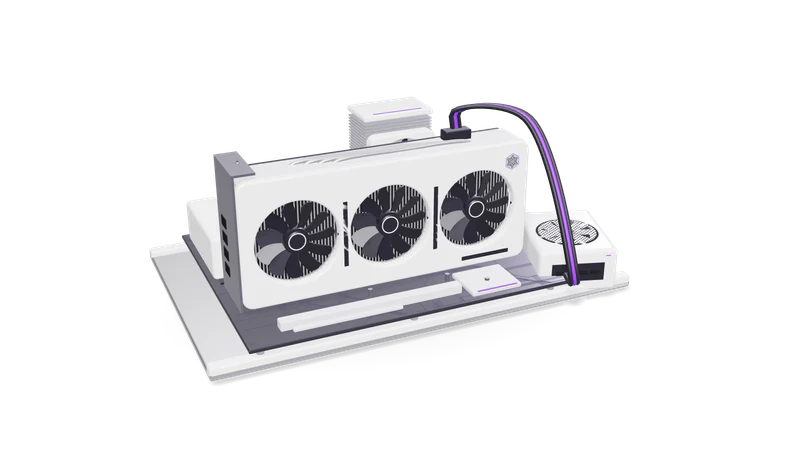
3D render of a triple fan graphics card in a PCIe slot on an open test bench with a CPU cooler and RAM

The plain definition

Weights shipped at 16 bits are converted to 8, 4 or fewer. A 7 billion parameter model drops from about 14 GB to about 4 GB.

Read more about The plain definition

A model is mostly a very large table of numbers (weights). They are usually trained and shipped as 16-bit floating point values, two bytes each. Quantization converts them to 8-bit, 5-bit, 4-bit or lower representations.

The arithmetic is simple: a 7 billion parameter model at 16 bits needs about 14 GB just for weights. At 4 bits it needs roughly a quarter of that, around 4 GB, plus some overhead. That is the difference between needing a data-centre card and fitting on an 8 GB laptop GPU with room for the context window.

How it works

  1. 01 Group the weights

    Weights are split into small blocks, such as 32 or 128 values.

    Read more about Group the weights

    Weights are split into small blocks, for example 32 or 128 values each.

  2. 02 Find a scale

    Each block gets a scale factor that maps its values onto a few integer levels.

    Read more about Find a scale

    Each block gets a scale factor so its values can be mapped onto a small set of integer levels.

  3. 03 Round and store

    Values are rounded and stored with the scale; GPTQ and AWQ protect the sensitive weights.

    Read more about Round and store

    Values are rounded to those levels and stored with the scale. Methods like GPTQ and AWQ use sample data to decide which weights need more care.

  4. 04 Dequantize on the fly

    During inference the runtime expands blocks back into usable numbers on the GPU.

    Read more about Dequantize on the fly

    At inference time the runtime expands blocks back to usable numbers inside the GPU kernel.

Where it matters in business

Private AI on modest hardware

A firm can run an assistant on one workstation instead of renting cloud GPUs.

Read more about Private AI on modest hardware

Quantized open-weight models let a firm run an assistant on one workstation instead of renting cloud GPUs.

Edge devices

Models on Jetson boards and other edge hardware almost always run quantized.

Read more about Edge devices

Vision and language models on Jetson boards or other edge AI hardware almost always run quantized.

Speed and cost

Smaller weights move through memory faster, so tokens per second usually rise.

Read more about Speed and cost

Smaller weights move through memory faster, so tokens per second usually go up on the same card.

A practical example

An 8 billion parameter model does not fit our 8 GB laptop GPU at 16 bits. At 4 bits it is about 5 GB and loads fully.

Read more about A practical example

Our own lab machine has an RTX 3070 Ti laptop GPU with 8 GB of VRAM. An 8 billion parameter model at 16 bits does not fit. The same model as a 4-bit GGUF file for llama.cpp or Ollama is roughly 5 GB, which loads fully on the card and leaves space for a working context. Any local model result we publish in Labs states the hardware and quantization level it was run with.

Common mistakes

Going too low

Quality drops gently to about 4 bits, then faster. 2 and 3-bit small models often break.

Read more about Going too low

Quality drops gently down to around 4 bits and then falls faster. 2 and 3-bit versions of small models often break on reasoning and structured output.

Judging by chat feel

Test the quantized model on your real task with a fixed evaluation set.

Read more about Judging by chat feel

Test the quantized model on your actual task with a fixed evaluation set, especially extraction and maths.

Mixing formats and runtimes

GGUF suits llama.cpp; GPTQ and AWQ usually suit GPU runtimes like vLLM. Match your runtime.

Read more about Mixing formats and runtimes

GGUF is for llama.cpp and tools built on it; GPTQ and AWQ files are typically served with GPU runtimes such as vLLM. Pick the format your runtime supports.

Questions

Does quantization change what the model knows?

It does not remove knowledge on purpose, but rounding adds small errors everywhere. The effect is usually a slight drop in accuracy, larger on hard reasoning tasks and on smaller models.

Which quantization level should we start with?

For local LLMs a 4-bit or 5-bit variant (such as GGUF Q4_K_M or Q5_K_M) is a common starting point. Move up to 8-bit if your tests show quality problems and memory allows.

Last updated