CyberFreezeDev
- Home
- Blog
- How-to guides
- GSTR-2B reconciliation in Tally: steps to follow and steps to automate
GSTR-2B reconciliation in Tally: steps to follow and steps to automate
GSTR-2B decides how much input tax credit you can claim, so it has to agree with your purchase register before GSTR-3B is filed. Here is the monthly routine in TallyPrime, the mismatch types and what to do about each, and which parts are rule-based enough to automate.
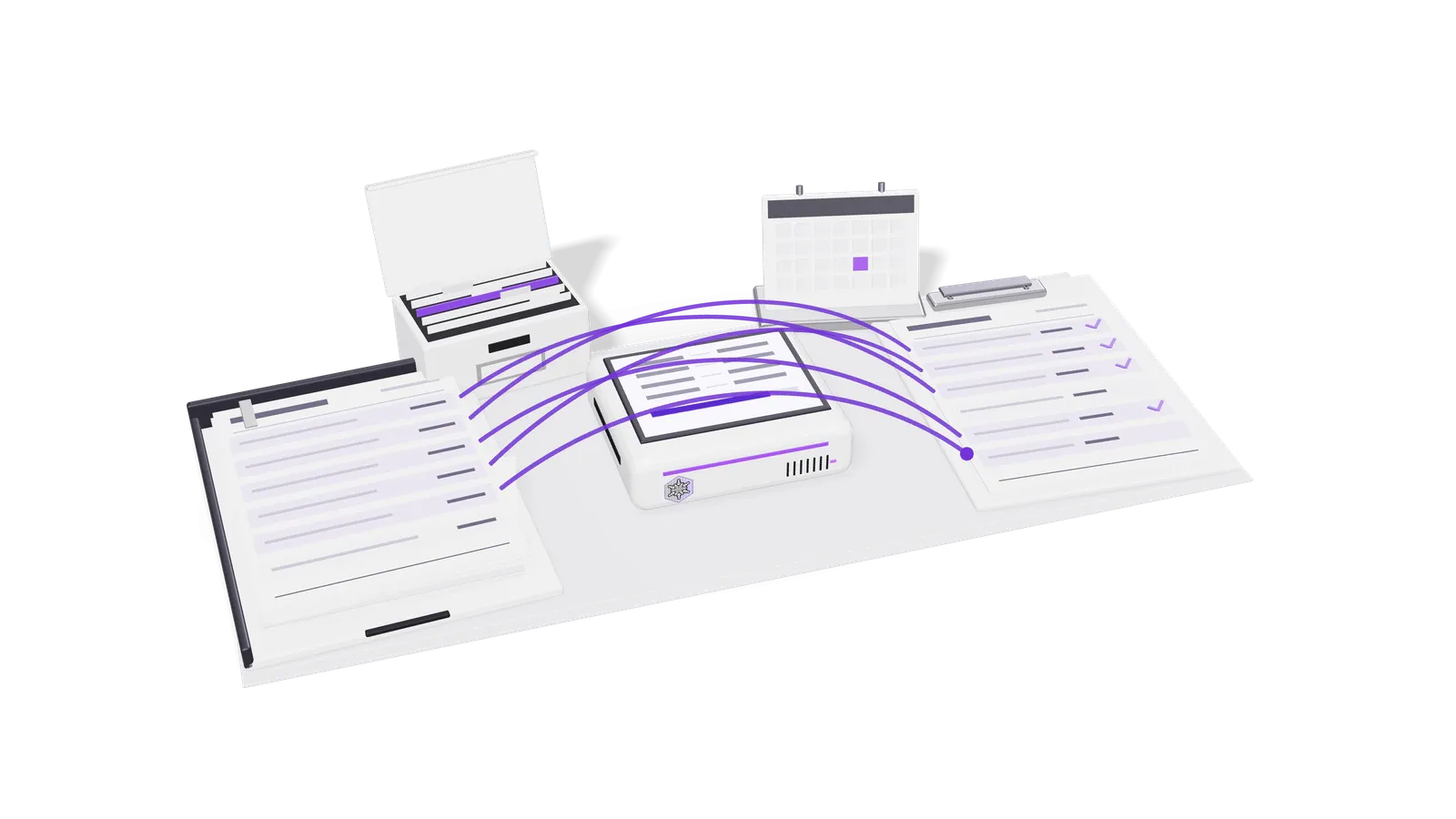
GSTR-2B is the statement that decides how much input tax credit (ITC) you can claim each month, so your purchase register has to agree with it before you file GSTR-3B. In TallyPrime the routine is: act on supplier invoices in the Invoice Management System (IMS), download or import GSTR-2B, run the reconciliation report, clear each mismatch, then claim only what is both in your books and in GSTR-2B.
This guide walks through that routine, lists the mismatch types with what to do about each, and separates the steps a machine can do from the ones that need an accountant. It is written for accountants in businesses and for CA firms doing this for many clients.
This is general guidance, not tax advice. Rules change; check the GST portal and your own adviser before you file.
Why GSTR-2B has to match your books
Since 1 January 2022, section 16(2)(aa) of the CGST Act allows ITC on an invoice or debit note only when the supplier has reported it in their GSTR-1 (or IFF) and it has been communicated to you. Rule 36(4), as substituted from the same date, ties that to GSTR-2B: the credit you claim in GSTR-3B should come from invoices that appear there. The old provisional credit (the 20%, then 10%, then 5% buffer) is gone.
So the question each month is not "what did we buy?" but "which of our purchases has the supplier reported, and have we accepted it?"
What changed with IMS
The Invoice Management System went live on the GST portal on 1 October 2024 (Dashboard > Services > Returns > Invoice Management System). Every invoice a supplier saves or files in GSTR-1, GSTR-1A or IFF appears there, and you can accept, reject or keep it pending.
- Records you do not act on are deemed accepted when GSTR-2B is generated.
- A draft GSTR-2B is generated on the 14th of the following month. Accepted and deemed accepted records are in it; rejected records are shown for view only and do not flow into GSTR-3B; pending records stay in IMS for a later month.
- You can still change actions after the 14th, until you file GSTR-3B. If you do, you must recompute GSTR-2B before filing so the changes count. There is no limit on how many times you recompute before filing.
- If last month's GSTR-3B is not filed, no draft GSTR-2B is generated on the 14th; you generate it from the IMS dashboard after filing.
- Pending is not allowed for every record: original credit notes, for example, must be accepted or rejected.
- Quarterly (QRMP) taxpayers get one GSTR-2BQ for the quarter, on the 14th of the month after the quarter.
On the GSTR-3B side, the portal has locked the auto-filled outward tax liability (Table 3) from the July 2025 tax period. Errors in what you reported as a supplier are now corrected through GSTR-1A before GSTR-3B is filed, not by editing GSTR-3B. Locking of the ITC table has been widely discussed; when we checked on 22 October 2026 we could not find a GSTN advisory that brings it into force, so check the portal before you rely on editing Table 4.
The monthly routine in TallyPrime
- Book every purchase first. Enter purchase vouchers with the supplier's GSTIN, the invoice number exactly as printed, the invoice date and the tax split (CGST and SGST, or IGST). Most mismatches later are typing differences made here.
- Act in IMS before the 14th. Accept what you have received and booked. Reject what is not yours or is wrong. Keep pending what you have not received yet or want to claim later. Leaving everything on no action means everything is accepted on the 14th, including invoices you would have rejected.
- Get GSTR-2B into Tally. Either download it from inside TallyPrime (Alt+Z > All GST Options > Download GST Returns, set Return Type to GSTR-2B and the period, then D to download; you sign in with your GST username and an OTP), or download the file from the portal and import it (Alt+O > GST Returns, Return Type GSTR-2B, then choose the file). TallyPrime accepts the JSON or Excel file. Check the import summary for failed records.
- Open the GSTR-2B reconciliation report and read the statistics. TallyPrime groups transactions as Reconciled, Unreconciled, Mismatched, Available Only in Books, Available Only on Portal, Mismatch in Return Period, Uncertain Transactions (corrections needed) and Invoices Rejected in IMS.
- Work through the potential matches. Tally suggests pairs that match on everything except one field (the GSTIN, the document number or the section). Confirm the ones that are clearly the same invoice; correct the voucher if your entry was wrong.
- Clear the remaining exceptions using the table below.
- If you changed anything in IMS after the 14th, recompute GSTR-2B on the portal (TallyPrime also offers Recompute GSTR-2B under Alt+Z > All GST Options) and import or download it again.
- Claim in GSTR-3B only the credit that is reconciled and eligible, reverse what must be reversed, and keep the reconciliation report with the month's working papers.
Mismatch types and what to do
| Mismatch | Usual cause | What to do |
|---|---|---|
| In your books, not in GSTR-2B | Supplier has not filed GSTR-1 or IFF yet, filed it under the wrong GSTIN, or reported it in a later period | Do not claim it this month. Ask the supplier to report it. Keep it on a follow-up list and claim it in the month it appears, within the section 16(4) time limit. |
| In GSTR-2B, not in your books | Bill not received, not yet booked, or not your purchase | Book it if it is genuine and received. If it is not yours, reject it in IMS. If you are waiting for goods, keep it pending. |
| Value or tax mismatch | Typing error, discount or freight treated differently, wrong rate, CGST and SGST booked where IGST was charged | Compare with the physical invoice. Correct your voucher if you are wrong; if the supplier is wrong, ask for an amendment through their GSTR-1A or a credit or debit note, and claim only the lower correct figure meanwhile. |
| Wrong GSTIN | Supplier picked the wrong customer GSTIN, or you booked a branch's purchase under the wrong registration | The invoice will not appear in your 2B at all (or appears in another registration's). The supplier must correct it; you cannot fix their GSTIN through your return. |
| Period difference | Supplier reported the invoice in a different month from your booking | Tally shows it as Mismatch in Return Period. Claim it in the period it appears in GSTR-2B and note the difference in your working papers. |
What to automate, and what to leave to the accountant
Most of the reconciliation is rule-based. A machine can do these well, every month, without getting tired:
- reading purchase bills (PDFs, photos from WhatsApp) and drafting the purchase entry with GSTIN, invoice number, date and tax split;
- matching each book entry to a GSTR-2B line on GSTIN, normalised invoice number, date and amounts, and flagging near matches with the reason;
- building the supplier follow-up list from the "not in GSTR-2B" items, with how long each one has been outstanding;
- noticing when IMS actions changed after the 14th and reminding someone to recompute before filing;
- producing the month's reconciliation pack for the working papers.
These need a person, and should stay with one:
- Eligibility. Whether a credit is allowed at all: blocked credits under section 17(5) (motor vehicles in most cases, food and beverages, goods for personal use and others), credits tied to exempt supplies, and the section 16(4) time limit.
- IMS decisions on disputed invoices. Rejecting a supplier's invoice has consequences for them; it should be a conscious decision, not a default.
- Vendor conversations. Asking a supplier to amend or file is a relationship call, especially for the firm's client.
- Signing off GSTR-3B. Someone accountable confirms the figures before filing.
That split is how we build these systems for clients. In our GST and accounting automation work the software reads the bills, prepares the entries and the matches, and a person approves each one before anything reaches the books or the return.
Where Fint fits
Fint is our own invoicing, expenses, banking and GST product for Indian businesses. It keeps purchase and sales records with their GST details, prepares GSTR-1 and GSTR-3B summaries, and matches bank lines to invoices. Its AI agent can propose an expense from a bill or a correction to a record, but nothing is recorded until a person confirms it in Fint's Inbox, and every change has an audit trail. For a firm handling several clients, one login holds several sets of books.
FAQ
When is GSTR-2B available each month? A draft GSTR-2B is generated on the 14th of the following month, from the records you accepted or left without action in IMS. Quarterly taxpayers get GSTR-2BQ on the 14th of the month after the quarter.
Do I have to act on every invoice in IMS? No. Anything you leave alone is deemed accepted when GSTR-2B is generated. Acting is how you keep a wrong invoice out of your credit or hold one for a later month.
I changed IMS actions after the 14th. What now? Recompute GSTR-2B on the portal before you file GSTR-3B, then download or import it into Tally again. Changes made after the 14th do not count until you recompute.
Can I claim credit for an invoice that is in my books but not in GSTR-2B? Not under the current rules. Wait until the supplier reports it and it appears in GSTR-2B, and claim it in that month, within the section 16(4) time limit.
Which file does TallyPrime need? TallyPrime can download GSTR-2B directly after an OTP sign-in, or import the JSON or Excel file you download from the portal.
If your team spends the first fortnight of every month chasing GSTR-2B differences, we can look at your process and show which parts can run on their own. Book a consultation.