CyberFreezeDev Loading
  1. Home
  2. Products
  3. Desk
  4. CRM pipeline

A sales pipeline that records why deals stall and why they are lost

Deals move through ordered stages, each move recorded, and lost deals carry a reason.

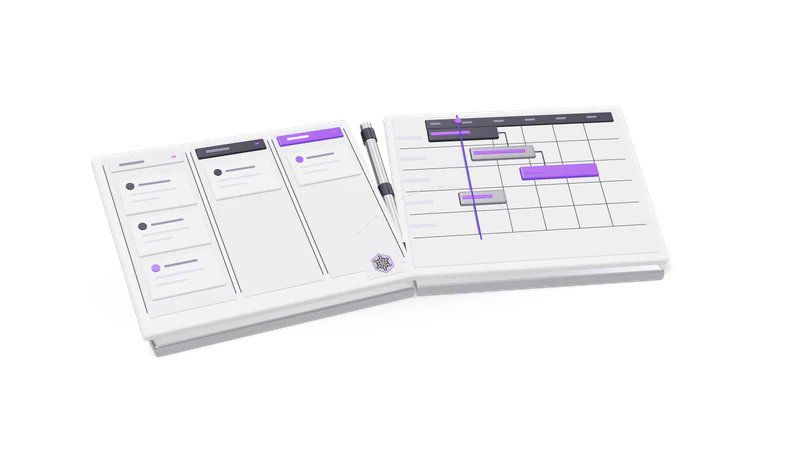
3D render of a sales pipeline board and a project Gantt board, hinged like an open book

How the pipeline is modelled

Accounts are companies, contacts are people and opportunities are deals, each in a pipeline of stages your team defines.

Read more about How the pipeline is modelled

In Desk an account is the company or client (it starts life as the lead), a contact is a person at it, and an opportunity is a deal. Each opportunity sits in a pipeline, which is an ordered list of stages your team defines: for example enquiry, demo booked, proposal sent, negotiation, won, lost.

An organisation can run more than one pipeline, which helps when a business sells two different things with different sales cycles. There is a default pipeline for reports that do not name one.

Moving a deal

Stages by id, not by guesswork

Deals move to a real stage of their pipeline; AI assistants look up the list first.

Read more about Stages by id, not by guesswork

A deal moves to a specific stage of its pipeline. When an AI assistant moves deals it looks up the real stage list first rather than guessing a name.
A note with the move

A stage change can carry a note explaining why the deal moved.

Read more about A note with the move

A stage change can carry a note, so the next person sees why the deal moved, not just that it did.

Lost reasons

Losing a deal asks for a reason, which feeds the lost reasons report.

Read more about Lost reasons

Moving a deal to a lost stage asks for the reason. Those reasons feed the lost reasons report.

Pipeline reports

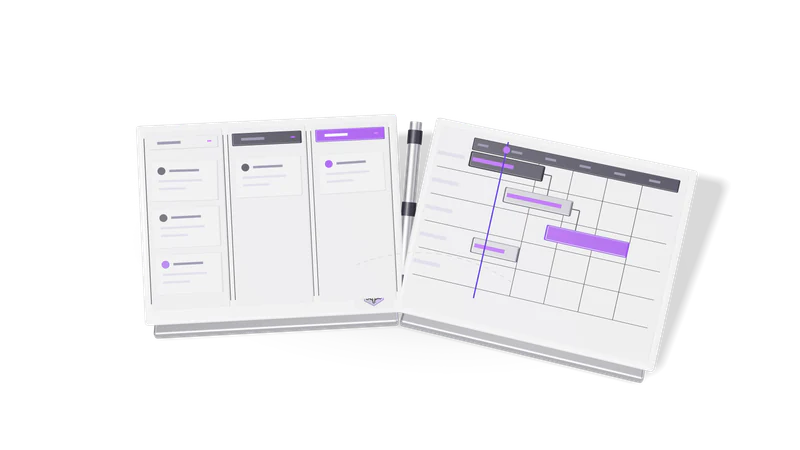
Fig. 01 Overhead: a won card crossing from the pipeline to the project board
ReportWhat it answersDefault window
OverviewHow the pipeline looks right now30 days
FunnelHow many deals reach each stage of a pipeline90 days
Time in stageWhere deals sit longest90 days
Lost reasonsWhy deals were lost, grouped90 days
Team performanceResults by salesperson (admins only)90 days

Any report can be run for a window of 1 to 365 days.

Where it connects

Calls, meetings, tasks and emails are logged against each account, so the pipeline holds a history, not just names.

Read more about Where it connects

Every call, meeting, task and email is logged against the account, so the pipeline is not a list of names but a history. Stalled deals are picked out in the monthly review, new leads come in through leads and contacts, and won deals carry on in projects and tasks. If you need leads from WhatsApp routed straight into a pipeline, that is a build we do as WhatsApp CRM automation service.

Questions

Can we have different pipelines for different products?

Yes. An organisation can have several pipelines, each with its own ordered stages.

Who can see the team performance report?

Admins only. Other reports are available to members.

Do we have to give a reason when a deal is lost?

Moving a deal to a lost stage takes a lost reason, and that is what makes the lost reasons report useful.

Last updated