CyberFreezeDev Loading
  1. Home
  2. Products
  3. Desk
  4. Projects and tasks

Projects, task boards and work logged by the day

Project boards, tasks with estimates, and time logged against the day the work happened.

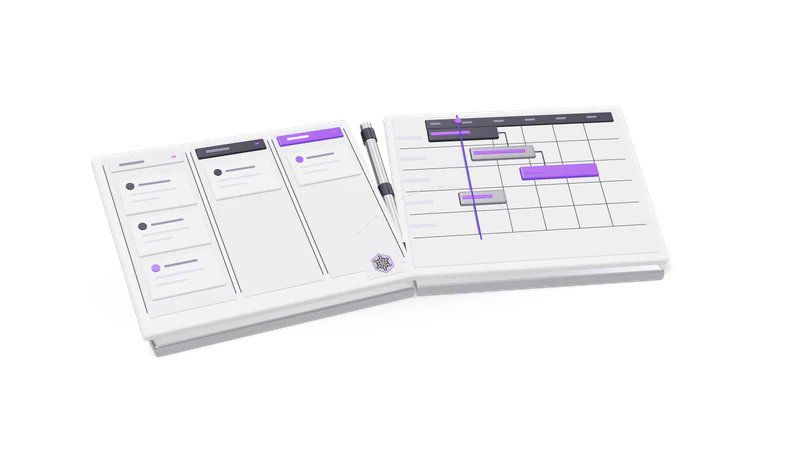
3D render of a sales pipeline board and a project Gantt board, hinged like an open book

Projects next to the CRM

Projects sit under the same login as the CRM, but people see only the projects they were given.

Read more about Projects next to the CRM

When a deal is won, the work starts. In Desk that work lives in the Projects wing, under the same login as the CRM, so the people delivering can see the client they are delivering for.

Visibility is deliberately different from the CRM. CRM records are shared across the organisation. In Projects you see only the projects you were given. A freelancer brought in for one job sees that job and nothing else.

Inside a project

Boards with your own columns

Each project sets its own columns, so different jobs follow different steps.

Read more about Boards with your own columns

Each project has its own columns, such as To do, In progress, Review and Done. Columns are per project, so a design job and a build job can follow different steps.
Tasks with estimates

Tasks carry an assignee, status and estimate, kept apart from logged time.

Read more about Tasks with estimates

Project tasks have an assignee, a status and an estimate. Changing the estimate is separate from logging time, so the plan and the actuals stay distinct.

Comments on tasks and projects

Discussion stays on the task or project it is about.

Read more about Comments on tasks and projects

Discussion sits on the task or the project it is about, not in a chat thread nobody can find later.

Work logs that match reality

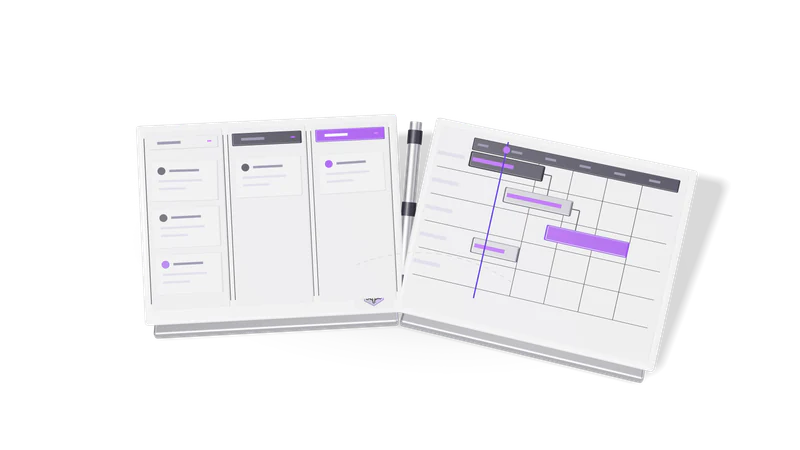
Fig. 01 Overhead: a won card crossing from the pipeline to the project board

Minutes against a day

Log time in minutes against a task, with an optional note.

Read more about Minutes against a day

Time is logged in minutes against a task, with an optional note. Ninety minutes is an hour and a half.

The day it happened

Entries record the date of the work, not the date it was typed.

Read more about The day it happened

Each entry records the date the work was done, not the date it was typed, because people log Friday's work on Monday.

Logging for someone else

Project editors can log hours for a colleague, such as from a timesheet.

Read more about Logging for someone else

A person with permission to edit the project can log time on a colleague's behalf, for example a lead entering hours from a timesheet.

Where it connects

The client's deal history stays visible during the project, and the activity feed covers both the CRM and Projects.

Read more about Where it connects

The deal history from the CRM pipeline stays with the client while the project runs, and the activity feed shows what people completed, commented and updated across both wings. An AI assistant connected to Desk can create tasks, move them between columns and log work when you tell it to; see AI assistant tasks. For billing the hours, our accounting product Fint handles invoices and GST.

Questions

Can a contractor see our sales pipeline?

Project access is per project. The CRM is organisation wide for active members, so give contractors project access and keep them out of the CRM wing where your setup allows.

Is time tracked with a running timer?

Desk records time as logged minutes against a task and a work date. Ask us in the demo how your team tracks time today and we will show how it maps.

Can each project have different board columns?

Yes. Columns are set per project.

Last updated