By contact or number
Search name, company or phone; with or without +91, it finds the same person.
Read more about By contact or number
Search by name, company or phone number. A number written with or without +91 finds the same person.
 CyberFreezeDev
Loading
CyberFreezeDev
Loading
Find what a customer said, who replied and when, without scrolling someone else's phone.

Every conversation on the business number is stored against its lead, so any rep can find the earlier order and reply.
A customer writes "same as last time, but 20 units". The rep on duty was not there last time. Without a searchable history, the answer is a phone call to a colleague or a long scroll. In WhatsApp CRM, every conversation on the business number is stored against its lead or customer, so the rep finds the earlier order in seconds and replies with confidence.
Search name, company or phone; with or without +91, it finds the same person.
Search by name, company or phone number. A number written with or without +91 finds the same person.
Search message text for a product, order number, city or date.
Search message text for a product name, an order number, a city or a date.
Filter inbound or outbound messages between two dates to settle disputes.
Narrow to messages the customer sent, or the business sent, between two dates. Useful when settling "we never got your message".
Message counts each way plus first, last, inbound and outbound contact dates.
For any lead: how many messages each way, first contact, last contact, last inbound and last outbound. A quick read on whether the relationship is active.
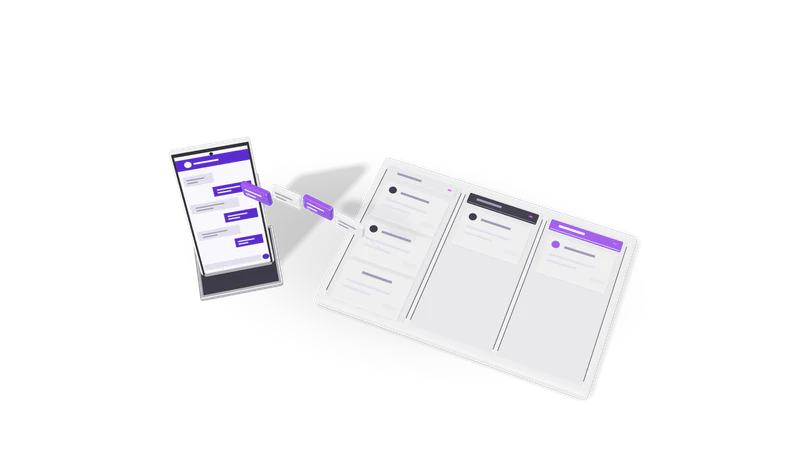
Access follows roles agreed at setup, and retention is your decision under the DPDP Act 2023 or UK GDPR.
Chat history contains personal data, sometimes health or financial details. So access should follow roles. A common split is that reps see their own leads and managers see the whole team; we agree the roles with you during setup.
For Indian businesses the Digital Personal Data Protection Act 2023 applies to this data; for UK clients, UK GDPR. We keep chat storage within what your purpose needs, and the retention period is your decision, written down at setup. If a customer asks what you hold about them, the contact search is where you start.
History also feeds other features. Lead qualification reads earlier answers, so a returning customer is not asked the same questions twice, and follow-ups check the last inbound message before sending.
PDFs and photos customers send can be stored with the lead; reading them automatically is a separate OCR build.
Customers often send PDFs and photos on WhatsApp: purchase orders, prescriptions, ID copies, site photos. Those files can be pulled out of the chat and stored with the lead. If you need to read them automatically, for example extracting order lines from a PO, that is an OCR and document intelligence build on top.
History starts from when the number is connected. Whether older chats can be brought in depends on where they live today; we check this during setup.
Deletion rules are part of the role setup. Most businesses keep history and restrict deletion to managers.
Where data is stored is agreed per project. Tell us your requirement and we will design around it.
Last updated