CyberFreezeDev Loading
  1. Home
  2. Services
  3. Computer vision

Computer vision systems trained on your own images

Camera feeds and photos turned into counts, alerts and pass or fail decisions.

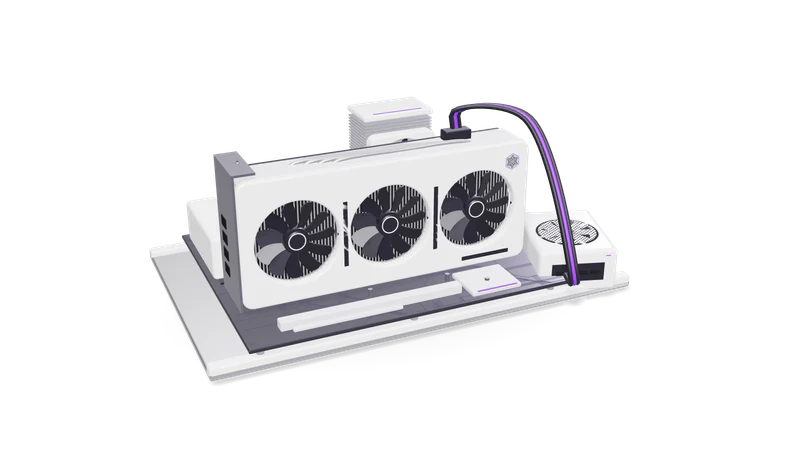
3D render of a triple fan graphics card in a PCIe slot on an open test bench with a CPU cooler and RAM

At a glance

Computer vision
Tasks
Object detection, counting, classification, segmentation, OCR on labels and plates, change detection
Models
YOLO family detectors, segmentation models, vision language models for open-ended checks
Libraries
OpenCV, PyTorch, ONNX Runtime, TensorRT
Cameras
IP cameras over RTSP, USB and CSI cameras, phone photos
Edge hardware
NVIDIA Jetson, Raspberry Pi, Google Coral
Labelling
CVAT or Label Studio, with your team reviewing the labels

What computer vision can do for a business

Vision software counts, finds, reads or compares. The real work is fitting models to your lighting, angles and defects, then running them near the camera.

Read more about What computer vision can do for a business

Computer vision is software that reads images. For a business that usually means one of a few concrete jobs: count things (people at a counter, cartons on a conveyor, vehicles at a gate), find things (a missing helmet, a stain, a crack, an empty shelf slot), read things (a label, a meter, a number plate) or compare things (this photo against the approved sample).

The models that do this are well established. The work is in fitting them to your site: your lighting, your camera angles, your products and what your team means by a defect. A detector trained on public datasets knows what a person or a car looks like. It does not know what a bad weld on your product looks like until it has seen a few hundred labelled examples from your line.

Running the model close to the camera matters too. Sending every frame from every camera to the cloud is expensive and slow. An edge device such as an NVIDIA Jetson or a Raspberry Pi with a Coral accelerator can run detection on site and send only the result: a count, an alert, a cropped image of the problem. See edge AI development for the hardware side.

Typical projects

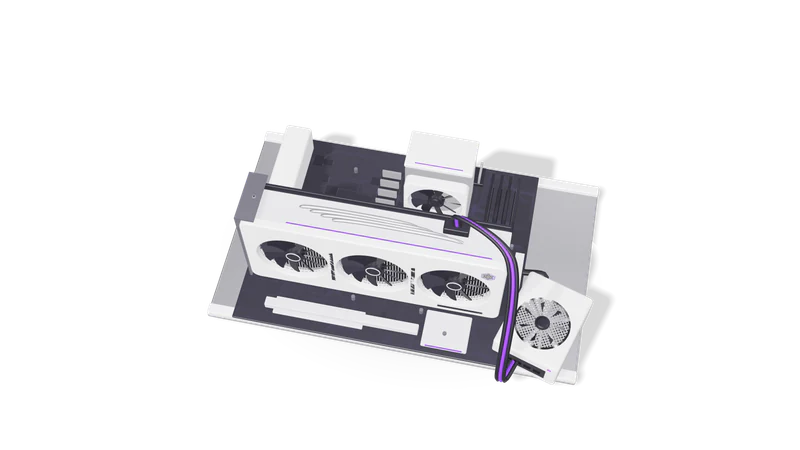
Fig. 01 Overhead: GPU, CPU cooler and RAM on the open bench

Visual inspection in manufacturing

A camera over the line flags scratches, missing parts and misprints, saving each image.

Read more about Visual inspection in manufacturing

A fixed camera over a conveyor or workstation flags parts with visible defects (scratches, missing components, wrong labels, misprints) and saves the image for a supervisor. See manufacturing.
Counting and occupancy

People, vehicles or items counted, with an alert when a queue gets long.

Read more about Counting and occupancy

People at a store entrance or service counter, vehicles at a loading bay, items on a pallet. Counts go to a dashboard or trigger a message when a queue gets long.

Safety compliance

Missing helmets or vests, or someone near a running machine, flagged with the frame.

Read more about Safety compliance

Detect missing helmets or vests in marked zones, or a person entering an area while a machine is running, and alert the supervisor with the frame.

Retail shelf and stock checks

Shelf photos from staff phones checked for empty slots and wrong placement.

Read more about Retail shelf and stock checks

Photos of shelves taken by staff on a phone are checked for empty slots and wrong placement against the planogram.

Reading labels, meters and plates

Labels, batch codes, meters and number plates read and checked against rules.

Read more about Reading labels, meters and plates

OCR on product labels, batch codes, utility meters and number plates, combined with validation rules. This overlaps with our document intelligence work.

How a computer vision project runs

  1. 01 Site visit and sample footage

    Cameras and lighting checked. Moving a camera or adding a light is often cheapest.

    Read more about Site visit and sample footage

    We look at the camera positions, lighting and the actual objects, and collect sample footage or photos. Often the cheapest improvement is moving a camera or adding a light.

  2. 02 Feasibility test

    A small labelled set shows whether your task is learnable before a large spend.

    Read more about Feasibility test

    We label a small set and train a first model to see whether the task is learnable from your images at the accuracy you need. If it is not, you hear it at this stage, before a large spend.

  3. 03 Collect and label

    Images across shifts, seasons and rare defects, with labels reviewed by your experts.

    Read more about Collect and label

    Gather enough images to cover day and night, seasons, product variants and the rare defects. Your experts review the labels, because the model learns their judgement.

  4. 04 Train and measure

    Precision and recall on held-out images from your site, with examples of every mistake.

    Read more about Train and measure

    Train, then report precision and recall on a held out set from your site, with examples of every kind of mistake, so you can decide whether missed defects or false alarms cost more.

  5. 05 Deploy at the edge or on a server

    Exported to ONNX or TensorRT and wired to dashboards, WhatsApp alerts or a database.

    Read more about Deploy at the edge or on a server

    Export to ONNX or TensorRT, install on the device or server, connect to cameras and to wherever results go: a dashboard, WhatsApp alerts, a PLC signal through your integrator, a database.

  6. 06 Watch for drift

    Low-confidence cases logged for review, and the model retrained when products or cameras change.

    Read more about Watch for drift

    New products, new packaging or a moved camera change what the model sees. We log low confidence cases for review and retrain when needed.

Cameras and privacy

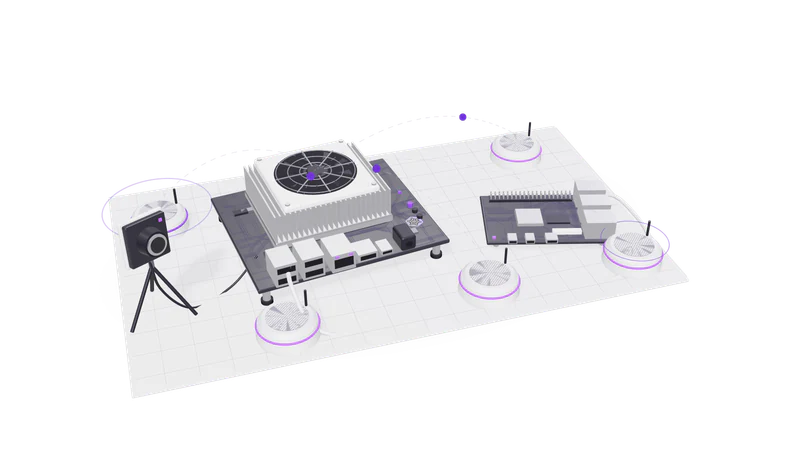
Fig. 02 Edge boards with a camera module and sensors

We prefer counting over identifying, blur faces where possible, keep footage for a set period and do not build face recognition for tracking people.

Read more about Cameras and privacy

Cameras that capture people collect personal data. For projects in India we design around the DPDP Act 2023: collect only what the task needs, prefer counting and detection over identifying individuals, blur faces in stored images where possible, show clear notices and keep footage for a defined period. For UK and EU sites the same design supports UK GDPR and GDPR duties. We do not build face recognition systems for tracking individuals.

Running inference on an edge device also helps here: raw video can stay on site, and only counts or cropped images of the defect leave the building.

Questions

Can you use our existing CCTV cameras?

Often yes, if they provide an RTSP stream and the resolution and angle show the objects clearly enough. For inspection tasks a dedicated camera with fixed lighting usually works far better than a ceiling CCTV view.

How many images do we need?

For a common object in a fixed setting, a few hundred labelled images can be enough to start. Rare defects need more effort, sometimes collected over weeks. The feasibility test tells you how far a small set gets.

Do you build robots?

No. We build the vision software and connect its results to your systems. If a result needs to move a machine, we hand a signal to your automation integrator.

Does it need an internet connection?

Not for detection when it runs on an edge device. A connection is needed only to send alerts or results and to receive model updates.

Last updated