CyberFreezeDev Loading
  1. Home
  2. Services
  3. MCP server development

MCP servers that let AI assistants work inside your software

MCP servers that let AI assistants work with your systems, safely.

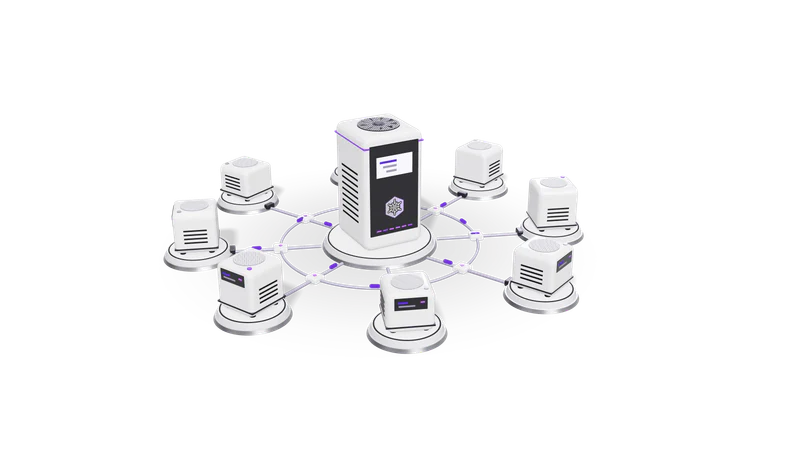
3D render of small AI agent units on plinths, cabled to a central orchestrator unit

At a glance

MCP server development
Protocol
Model Context Protocol, JSON-RPC 2.0 messages
Transports
stdio for local servers, Streamable HTTP for remote servers
Primitives
Tools, resources and prompts
Auth
OAuth 2.1 for remote servers, scoped tokens per user and role
SDKs
Official TypeScript and Python SDKs
Clients
Claude (web, desktop and Claude Code) and other MCP compatible clients

What the Model Context Protocol is

MCP is an open protocol: build one server offering tools, resources and prompts, and any compatible AI client can use it.

Read more about What the Model Context Protocol is

The Model Context Protocol (MCP) is an open protocol, introduced by Anthropic in November 2024, that standardises how AI applications connect to outside systems. Before MCP, every AI tool needed its own custom plug-in for every app. With MCP, you build one MCP server for your system and any compatible client can use it.

An MCP server offers three kinds of things to the AI client:

  • Tools: actions the model can call, such as list_invoices, create_lead or schedule_post, each with a typed input schema and a description the model reads to decide when to use it.
  • Resources: data the client can read, such as a file, a record or a report.
  • Prompts: reusable templates a user can pick, such as "monthly review".

The server runs either locally next to the client (over stdio) or as a web service the client connects to over HTTP, with the user signing in through OAuth. The specification and official SDKs are public, so an MCP server you commission is not tied to us or to one AI vendor.

We run MCP servers for our own products

Each of our products exposes its features as MCP tools. A user connects their AI assistant and works with the product in plain language, under the same permissions they have in the app.

Fig. 01 Models served from racks the client owns

Fint

Reads books and GST summaries; proposed entries wait for a person to confirm.

Read more about Fint

Fint's MCP tools let an assistant read books, ledgers, outstanding receivables and GSTR-1 and GSTR-3B summaries, and propose expenses, deposits and draft invoices. Proposals land in Fint's Inbox; nothing is recorded until a person confirms it. The server enforces that rule, not the prompt.
Desk

CRM and project tools that act in one organisation at a time.

Read more about Desk

Desk's tools cover the CRM and project wings: search clients and leads, create contacts and opportunities, log calls, schedule meetings, update project tasks. One login can hold several organisations and the tools act in one at a time, so an assistant never mixes up two companies.

Cybe Social

Drafts, media, captions and schedules prepared by an assistant, never published on their own.

Read more about Cybe Social

Cybe Social's tools let an assistant create drafts, upload media, suggest captions and hashtags, schedule posts and read post analytics. Drafts never publish on their own, so an assistant can prepare a week of posts for a person to review.

What we learned building them

Design tools for the model, not the database

One well described tool per real task, not dozens of thin database endpoints.

Read more about Design tools for the model, not the database

One tool per real task, named the way a user would describe it, with descriptions that say when to use it and when not to. Forty thin CRUD endpoints confuse a model; twelve well described tasks do not.

Put the rules in the server

Permissions and approvals live in server code, which a model cannot talk around.

Read more about Put the rules in the server

Permissions, approvals and limits are enforced by the server code. The model can be talked into anything; the server cannot. That is why Fint's tools can only propose.

Return small, readable results

Trimmed results with IDs for the next tool; large files go straight to storage.

Read more about Return small, readable results

Results are trimmed to what the model needs, with IDs it can pass to the next tool. Large files go through upload tools that move bytes directly to storage instead of through the conversation.

Say what happened in words

Each result states its consequence plainly, such as saved as draft, not published.

Read more about Say what happened in words

A tool result states the consequence plainly, for example "saved as draft, not published", so the assistant reports the right thing back to the user.

How we build an MCP server for you

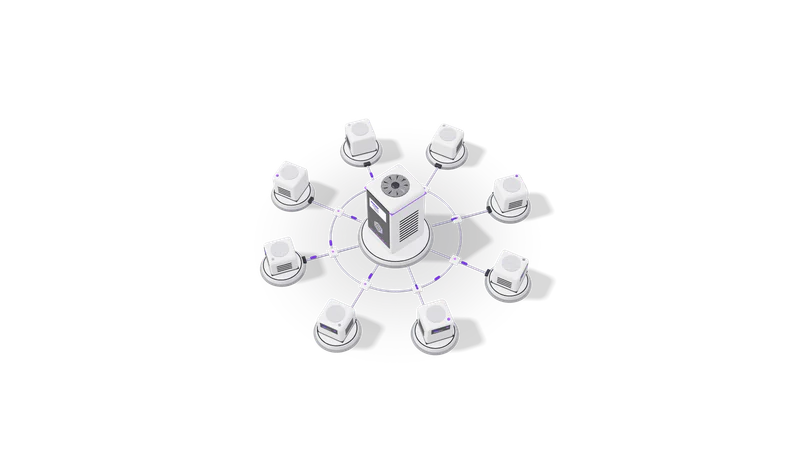
Fig. 02 High angle: each agent unit cabled to the orchestrator
  1. 01 List the tasks

    User requests grouped into tools marked read only, draft creating or excluded.

    Read more about List the tasks

    Which things should a user be able to ask an assistant to do in your system? We group them into tools and decide which are read only, which create drafts and which are excluded.

  2. 02 Decide local or remote

    Local stdio for internal and developer use, remote with OAuth for customers and staff.

    Read more about Decide local or remote

    A local stdio server suits internal tools and developer use. A remote server with OAuth suits customers and staff using Claude on the web or on a phone.

  3. 03 Build on your existing API

    The server reuses your existing API's authentication and permission checks.

    Read more about Build on your existing API

    The MCP server usually sits in front of your current API or database and reuses its authentication and permission checks. If there is no API, we build a narrow one first.

  4. 04 Test with real clients

    Tool names and descriptions rewritten until the model reliably picks the right one.

    Read more about Test with real clients

    We run realistic requests through Claude and other clients, read the tool calls they make, and rewrite tool names and descriptions until the model picks the right tool reliably.

  5. 05 Ship with logs and limits

    Every tool call logged, with rate limits and per role scopes set.

    Read more about Ship with logs and limits

    Every tool call is logged with the user, inputs and result. Rate limits and per role scopes are set, and the server is deployed where your other services run.

Questions

Who needs an MCP server?

Software companies that want their product usable from AI assistants, and businesses that want their staff to use Claude or a similar assistant on internal systems (CRM, ERP, ticketing, a database) without copying data in and out by hand.

Is MCP only for Claude?

No. Anthropic introduced it, but it is an open specification and many AI clients and developer tools support it. A server built to the spec works with any compliant client.

Is it safe to let an AI act on our systems?

It is as safe as the server's rules. Each user signs in with their own account, sees only what they could see in the app, and the server limits what the tools can change. We default to read-only tools and draft-style writes.

How is this different from building an AI agent?

An MCP server is the set of tools. An agent is the program that decides which tools to call. One MCP server can be used by many agents and assistants. See AI agent development.

Last updated