CyberFreezeDev Loading
  1. Home
  2. Products
  3. Desk
  4. Meetings and calls

Sales calls and meetings recorded where the deal lives

Calls become structured summaries and meetings go out as calendar invitations, both filed on the lead.

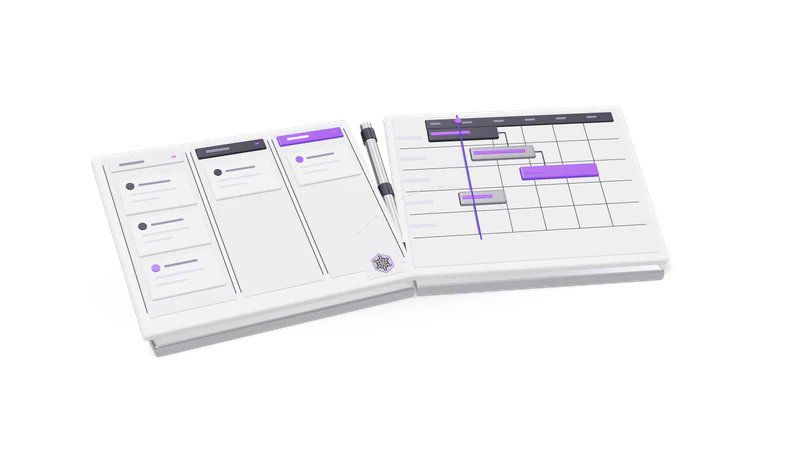
3D render of a sales pipeline board and a project Gantt board, hinged like an open book

Call summaries

What a salesperson needs from a call is rarely the whole recording.

Structured, not a wall of text

Outcome, commitments, next step and objections, recorded for every call.

Read more about Structured, not a wall of text

Each call carries a summary in four parts: the outcome, the commitments made, the next step, and the objections raised.

Transcript when the words matter

The full transcript stays for disputed commitments or quoted prices.

Read more about Transcript when the words matter

The full transcript is kept for when the exact words count: a disputed commitment, a price someone quoted.

Audio is temporary, words are not

Recordings can be deleted; transcript and summary stay on the record.

Read more about Audio is temporary, words are not

Recordings can be deleted to free space. The transcript and summary stay on the record after the audio is gone.

Meeting invitations

Meetings go out from the salesperson's own Google or Outlook calendar with a Meet or Teams link, and AI proposals wait for approval.

Read more about Meeting invitations

A meeting with a lead is sent as an invitation from the salesperson's own calendar: Google Calendar with a Google Meet link, or Outlook with a Microsoft Teams link. The meeting also appears on the lead's timeline in Desk, with the agenda the guests see.

Meetings can be rescheduled or cancelled from Desk, and the invitation updates accordingly. If an AI assistant proposes the meeting, nothing is sent until a person approves it under Approvals in Desk. You can see each proposal's state there: awaiting approval, sent, rejected, failed or expired.

Tasks, calls and calendar

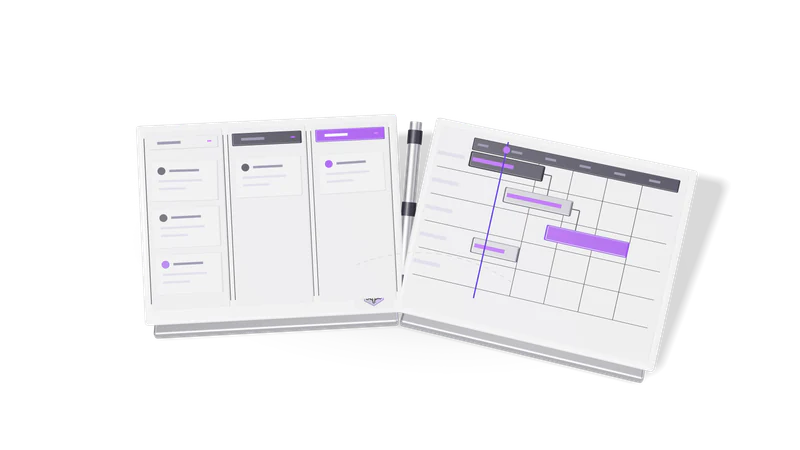
Fig. 01 Overhead: a won card crossing from the pipeline to the project board

Activities against the record

Calls, meetings and tasks are logged on the account with a due time.

Read more about Activities against the record

Calls, meetings and follow-up tasks are logged as activities on the account with a due time, so they appear in the right person's list and in the deal history.

Blocked time

Block lunch, a flight or focus time; overlaps are allowed and reported.

Read more about Blocked time

Lunch, a flight or focus time can be blocked on the calendar with no customer attached. The person then shows as unavailable on the team view and on booking pages. Overlaps are allowed and reported, because a double-booked hour is sometimes real.

Rescheduling

Move tasks and meetings when plans change without creating a second record.

Read more about Rescheduling

Tasks and meetings can be moved when plans change, without creating a second record.

Where it connects

Call summaries can go to the AI assistant, and meetings and calls move deals along the pipeline.

Read more about Where it connects

Call summaries are one of the jobs Desk can hand to an AI assistant. Meetings and calls move deals along the CRM pipeline. For WhatsApp conversations feeding the same records, see our WhatsApp CRM automation service service.

Questions

Which calendars can Desk send invitations from?

Google Calendar, with a Google Meet link, and Outlook, with a Microsoft Teams link. The user connects their own calendar.

Can the AI send a meeting invite without asking?

No. Invitations proposed by the AI wait in Approvals until a person approves them.

What happens to call recordings over time?

Audio can be deleted to free space. The transcript and the structured summary remain on the record.

Last updated