CyberFreezeDev Loading
  1. Home
  2. Products
  3. Desk
  4. AI assistant tasks

An AI assistant that works inside the CRM and asks before it sends

The assistant summarises calls, logs activity and moves deals; anything reaching a customer waits for approval.

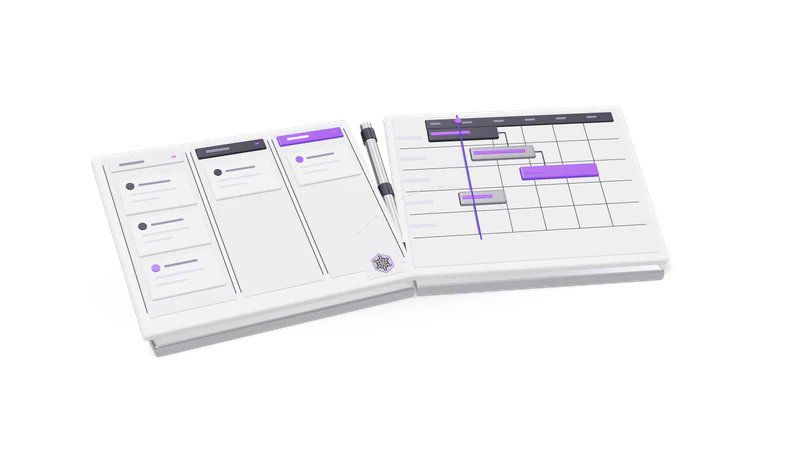
3D render of a sales pipeline board and a project Gantt board, hinged like an open book

Two ways the assistant works

It picks up AI tasks Desk parks, such as call summaries, and does work you ask for with the permissions of the person it acts for.

Read more about Two ways the assistant works

Work Desk hands it. Some jobs need thinking that Desk does not do on its own, such as turning a call transcript into a summary. Desk parks those as AI tasks. A connected assistant picks a task up, does the work, and posts the answer back in the exact shape the record needs. Picking up a task claims it for ten minutes so two assistants never answer the same one; if the assistant walks away, the task goes back in the queue.

Work you ask it for. Through the same connection you can ask the assistant to create a lead, log a call, move a deal to the next stage, add a project task, log two hours against it or pull this month's review. It works with the permissions of the person it acts for.

Where a person stays in the loop

Approvals before anything is sent

Proposed emails, WhatsApp messages and invites wait in Approvals for a person.

Read more about Approvals before anything is sent

Emails, WhatsApp messages and meeting invitations the assistant proposes are parked in Approvals. They go out only when a person approves them, and the assistant cannot approve its own.
Errors instead of guesses

When it cannot do a task, it returns the reason, not an answer.

Read more about Errors instead of guesses

If the assistant cannot do a task, it returns the reason instead of an answer, because whatever it writes onto a record is read by a salesperson as fact.

One organisation at a time

It acts only in the active organisation and names it before writing.

Read more about One organisation at a time

It acts only in the active organisation and should name it before writing. See multi-organisation.

A trail of what was done

Its changes show in the activity feed beside your team's work.

Read more about A trail of what was done

Changes appear in the activity feed alongside your team's own work.

Examples

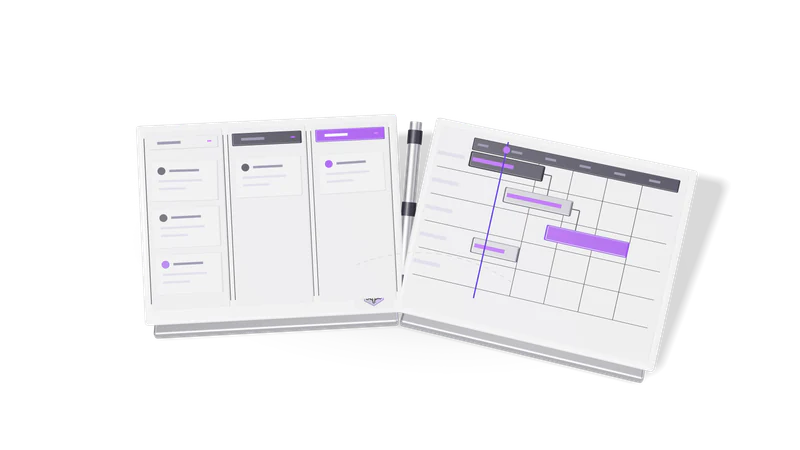
Fig. 01 Overhead: a won card crossing from the pipeline to the project board
You sayWhat happens
Summarise yesterday's callsThe assistant takes the queued call tasks and writes outcome, commitments, next step and objections onto each call
Book a demo with this lead on Thursday at 3A meeting invitation is drafted and waits in Approvals
Is this person already in the CRM?A duplicate check on email, phone, company and name
Mark this deal lost, budget moved to next yearThe deal moves to the lost stage with that reason
What did we close last month?The monthly review for that month

Why it is built this way

Saved typing is the useful part; anything reaching a customer is the risky part. Desk keeps a person in the loop for outbound.

Read more about Why it is built this way

The useful part of an assistant in a CRM is the typing it saves: summaries, logging, updates. The risky part is anything that reaches a customer. Desk separates the two, keeping a human in the loop for anything outbound, which is the same principle behind the confirmation Inbox in Fint. We design client systems the same way in our AI workflow automation work. See also meetings and calls.

Questions

Does Desk include its own AI model?

Desk queues AI work for an assistant you connect, rather than running a model of its own for those tasks. Ask us in the demo which assistants we have used it with.

Can the assistant email a lead by itself?

No. It can propose the email. It is sent only after a person approves it in Approvals.

What if two assistants are connected?

A task is claimed for ten minutes by whichever assistant picks it up, so the same task is not answered twice.

Last updated