CyberFreezeDev Loading
  1. Home
  2. Products
  3. Desk
  4. Multi-organisation

One login, several organisations, no mixed records

Hold several Desk organisations under one login, each with its own separate records.

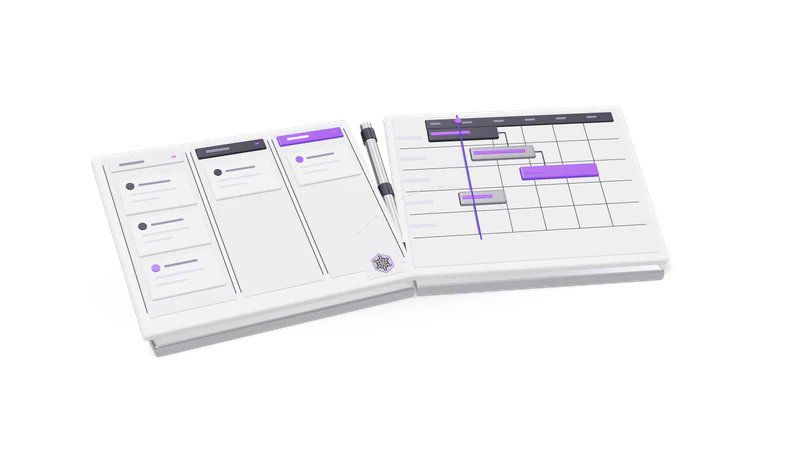
3D render of a sales pipeline board and a project Gantt board, hinged like an open book

How it works

Each organisation is a separate workspace. You work in one at a time, and Desk tells you which one after every switch.

Read more about How it works

An organisation in Desk is a complete, separate workspace: its own accounts and leads, pipelines and stages, custom fields, members, projects and reports. One login can be a member of several.

At any moment you are working in exactly one of them. Every list you read and every record you create belongs to the active organisation. To work on the other business you switch, and Desk tells you which organisation you are now in. Nothing is shared across organisations unless you put it there yourself.

Who uses it

Owners of more than one business

A founder with two companies keeps both pipelines without a second account.

Read more about Owners of more than one business

A proprietor who also runs a partnership, or a founder with a services company and a product company, keeps both pipelines without a second account.
Groups with separate brands

Brands with different customers run separately while one person watches all of them.

Read more about Groups with separate brands

Brands that sell to different customers with different stages can run separately while one person keeps an eye on all of them.

Agencies and consultants

Join a client's organisation as well as your own.

Read more about Agencies and consultants

Someone who manages sales or delivery for a client can be a member of that client's organisation as well as their own.

Guard rails

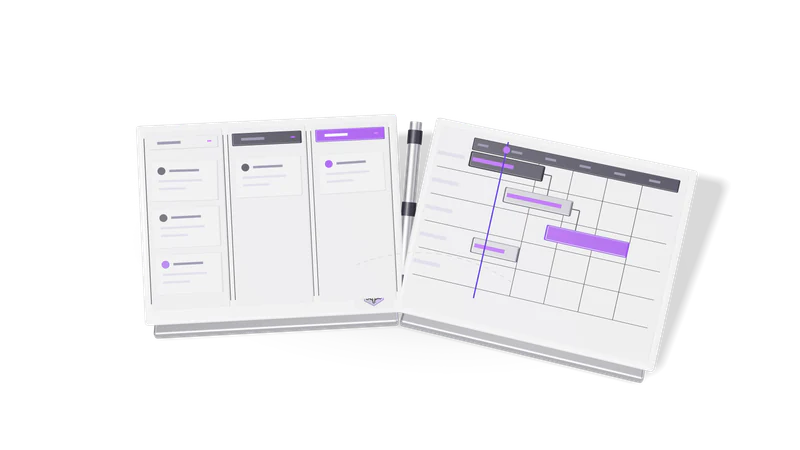
Fig. 01 Overhead: a won card crossing from the pipeline to the project board

Say where you are

Desk shows the active organisation, and AI assistants name it before writing.

Read more about Say where you are

Because the active organisation decides where a record lands, Desk shows it, and an AI assistant connected to Desk is expected to name the active organisation before it writes anything when there is more than one.

The switch persists

The active organisation stays until someone switches, even across assistant conversations.

Read more about The switch persists

The active organisation stays as it is until someone switches again, including for an AI assistant using the same connection in another conversation. That is why it is always stated.

Separate access per organisation

Roles and permissions are set per organisation; admin in one means nothing in another.

Read more about Separate access per organisation

Your role and permissions are set in each organisation. Being an admin in one says nothing about the other.

Reports stay separate

Monthly review, source report and pipeline analytics are calculated per organisation.

Read more about Reports stay separate

The monthly review, source report and pipeline analytics are calculated per organisation.

Related

Fint works the same way, holding several sets of books under one login with GST kept separate per book.

Read more about Related

Our accounting product works the same way: Fint holds several sets of books under one login and keeps GST separate per book. For a picture of everything an organisation holds, start with the CRM pipeline and projects and tasks.

Questions

Can I see two organisations' pipelines on one screen?

No. You work in one organisation at a time, which is what keeps their records from mixing. Switching takes one step.

Do I need a separate email address for each organisation?

No. One login can be a member of several organisations.

Can the AI assistant act in the wrong organisation by mistake?

It acts only in the active organisation, and it is expected to say which one that is before it writes anything when more than one is available.

Last updated