File it
File expenses under projects and tags, and attach receipts to any row.
Read more about File it
Expenses can be filed under projects and tags, and a receipt can be attached to any recorded row.
 CyberFreezeDev
Loading
CyberFreezeDev
Loading
Fint reads the bill and drafts the expense; a person confirms it before it counts.

A matching bank row gets the bill attached, so money is not entered twice.
If the payment is already in from the bank statement, the bill belongs to that row. Fint looks for it by amount, date and supplier name and attaches the bill there, so the same money is not entered twice.
The agent reads the printed date, bill number, amount, GST rate and supplier.
If there is no match, the agent reads the date printed on the bill (not today's date), the bill number, the amount, the GST rate when it is shown separately and the supplier.
It proposes a category and paying account using your team's own names.
It proposes the category and the account the bill was paid from, using the names your team already uses, such as Travel or Petty Cash. The amount is gross unless the bill shows tax separately.
Doubts go in a note beside the draft; unreadable figures stay blank.
Anything uncertain goes in a note shown beside the draft: a smudged total, a guess at the category, a bill that may belong in a different set of books. Unreadable figures are left blank, never invented.
Until someone confirms it in the Inbox, the draft is in no figure.
The draft appears in the Fint Inbox. Until someone confirms it, it is in no figure: not the spend total, not the dashboard, not input credit on a GST return, and no money leaves the bank account.
AI does the tedious reading of bills, while the owner or accountant keeps the decision that a figure is right.
Reading bills is exactly the kind of work an AI model does well and a person finds tedious. Deciding that a figure is right is the part an owner or accountant should keep. Splitting the two means the slow typing goes away while the books still reflect a human decision.
We use the same pattern in client systems: see our OCR and document intelligence service, where invoices, IDs and forms are read by a model and checked by a reviewer.
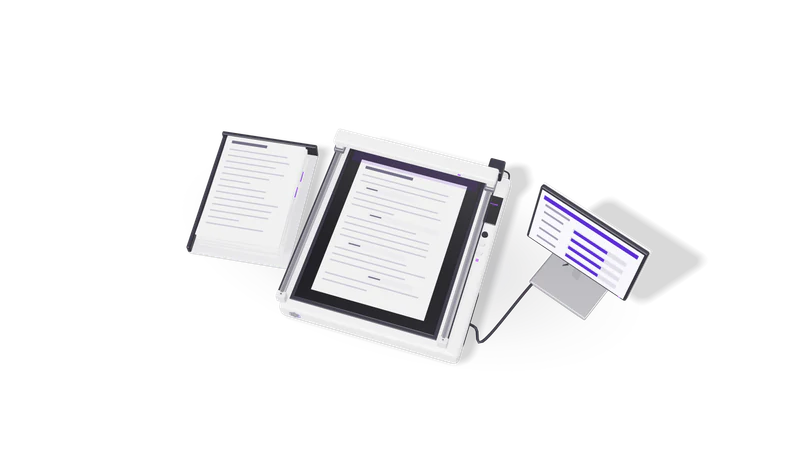
File expenses under projects and tags, and attach receipts to any row.
Expenses can be filed under projects and tags, and a receipt can be attached to any recorded row.
Review checks list billable expenses not yet invoiced to the customer.
Review checks list billable expenses that have not been invoiced to the customer yet.
A wrong expense gets a proposed correction from the agent, not a silent edit.
If a recorded expense turns out to be wrong, the agent proposes a correction rather than editing it. See bank reconciliation.
Supplier invoices, till slips and photographed bills. If part of a bill is unreadable the agent leaves that field empty and says which part in its note.
No. A draft is in no figure, including GST, until a person confirms it in the Inbox.
Yes. The AI agent is optional; Fint works as an ordinary accounting app without it.
Last updated