CyberFreezeDev Loading
  1. Home
  2. Products
  3. Cybe Social
  4. Instagram audio search

Add trending Instagram audio to scheduled reels

Pick a track from Instagram's catalogue, set the volumes, and schedule the reel.

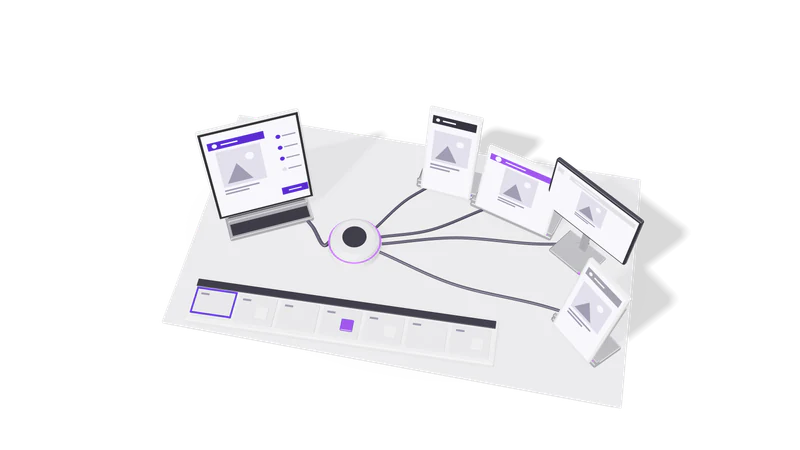
3D render of a composer tablet sending one post through a hub to four account screens

How it works

Search Instagram's music catalogue as your connected account, attach a trending or chosen track to a reel, set both volumes, then schedule.

Read more about How it works

Most schedulers make you finish a reel in the Instagram app if you want a trending sound. Cybe Social searches Instagram's music catalogue as one of your connected accounts. Search with no query and you get what is trending for that account right now, which is usually what people mean by "use a trending sound". Search with a query to find a specific track, as music or as original sound.

Pick a result, attach it to the post with the Instagram post type set to reel, and set two levels: how loud the track plays and how loud your video's own sound plays. Then draft or schedule the reel as normal.

This uses Meta's Instagram Audio API, which returns audio cleared for third-party use.

Limits set by Instagram

These come from Meta's music licensing, not from Cybe Social.

Reels only

Catalogue music works on reels; carousels and feed images need sound added in the app.

Read more about Reels only

Catalogue music is licensed for the Reels surface. A carousel or a feed image cannot carry a catalogue track through any API. If a carousel needs a sound, a person adds it in the Instagram app.
Per account and per region

Results depend on the account and its region, so search as the posting account.

Read more about Per account and per region

The catalogue depends on the account and its region. A track found for one account may not work on another, so search as the account that will post.

Business accounts see less

Business accounts get a smaller commercial-use library than the phone app shows.

Read more about Business accounts see less

A Business account sees a smaller commercial-use library than the phone app shows. A track you saw on your feed may not be in the results; that is the licence, not a failed search.

Professional account required

API publishing needs an Instagram Business or Creator account.

Read more about Professional account required

Publishing through the API needs an Instagram professional account (Business or Creator).

A typical reel

Fig. 01 Overhead: one post riding each cable to its account screen
  1. 01 Upload the video

    Add the vertical video to the media library, under 50 MB for Instagram.

    Read more about Upload the video

    Put the vertical video in the media library, under 50 MB for Instagram.

  2. 02 Search audio as the posting account

    Leave the query empty for trending tracks, or type a track name.

    Read more about Search audio as the posting account

    Leave the query empty to see trending tracks, or type a name.

  3. 03 Attach and set volumes

    Choose the track, set music and original sound levels, and mark it a reel.

    Read more about Attach and set volumes

    Choose the track, set the music and original sound volumes, and set the post type to reel.

  4. 04 Schedule

    Add a caption, with AI hashtags if you like, and schedule it.

    Read more about Schedule

    Write the caption, optionally with AI hashtags, and schedule it.

Questions

Why can't I add music to my carousel?

Meta licenses catalogue music for Reels only, so no third-party tool can attach it to a carousel or feed image. Add it in the Instagram app instead.

Why is a song from my feed missing?

Business accounts get a smaller commercial-use library, and the catalogue varies by region. If it is not in the search, the account is not licensed to use it through the API.

Can the same reel go to YouTube Shorts?

Yes, in the same post. The Instagram audio applies only to the Instagram copy.

Last updated