Its own text of up to 3,000 characters for the longer version.
Read more about LinkedIn
A separate LinkedIn text of up to 3,000 characters, for the longer, first-person version of the post.
 CyberFreezeDev
Loading
CyberFreezeDev
Loading
Write once, pick accounts or a named group, and track every copy together.

One post becomes one row per account, up to 20, sharing a group id. Each row has its own status.
When you post to multiple social accounts in Cybe Social, one post becomes one row per connected account. A post sent to a LinkedIn page, an Instagram account and a YouTube channel is three rows that share a single group id. Each row has its own status, so a failure on one account does not hide the success of the other two, and you can see the whole campaign in one place.
You can address up to 20 accounts in a single post. Posts are addressed to specific connected accounts, not to platform names, which matters when you run two Instagram accounts and only one of them should get this reel.
Each network has its own limits and habits.
Its own text of up to 3,000 characters for the longer version.
A separate LinkedIn text of up to 3,000 characters, for the longer, first-person version of the post.
A caption up to 2,200 characters, posted as feed image, carousel or reel.
A caption of up to 2,200 characters, plus the post type: feed image, carousel or reel.
Separate text when the Facebook audience needs another angle.
Its own text if the Facebook audience needs a different angle from Instagram.
A title up to 100 characters, a description, and exactly one video.
A title of up to 100 characters, a description, and the choice between a video and a Short. YouTube needs exactly one video attached before it can be scheduled.
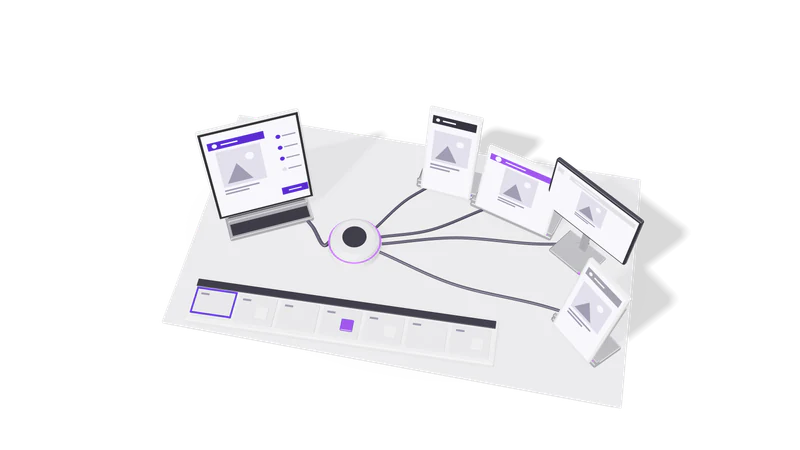
Post to a named group, such as one per client. Its accounts are fixed when the post is created, so later group edits change nothing.
A group is a named set of accounts that are usually posted to together: a brand, a founder's personal presence, a niche channel. Agencies typically make one group per client. You post to the group by name instead of ticking accounts every time.
A group is resolved into accounts at the moment you create the post, and that list is stored with the post. If you later add or remove an account from the group, posts that already exist keep the accounts they were made with. That is deliberate: an approved calendar should not change because someone edited a group last week.
You can also narrow a group by platform, so "the clinic brand, LinkedIn only" is a single action.
A scheduled post can be copied onto one more account, which joins the group and publishes at the same time.
If a post is already scheduled and you realise a fourth account should get it, you can copy it onto that account. The copy joins the same group and publishes at the same time as the rest. This adds a real audience, so it is done deliberately, one account at a time, and only while the group still has a scheduled post to copy from.
Media is set per post. If two accounts need different images, create two posts, or keep one post and use per-platform text to change the message.
That copy fails and the others publish. Reconnect the account and reschedule the failed copy. The connection list flags expired accounts before you schedule.
Yes. Each connected account is addressed separately, so you can include any number of accounts on the same platform, up to 20 in one post.
Last updated