Choosing hardware
VRAM sets the largest private model you can run and how many staff can share it.
Read more about Choosing hardware
For a private LLM, VRAM sets the largest model you can run and how many staff can use it at once.
 CyberFreezeDev
Loading
CyberFreezeDev
Loading
The GPU's own memory. If a model does not fit, it will not load or runs slowly.
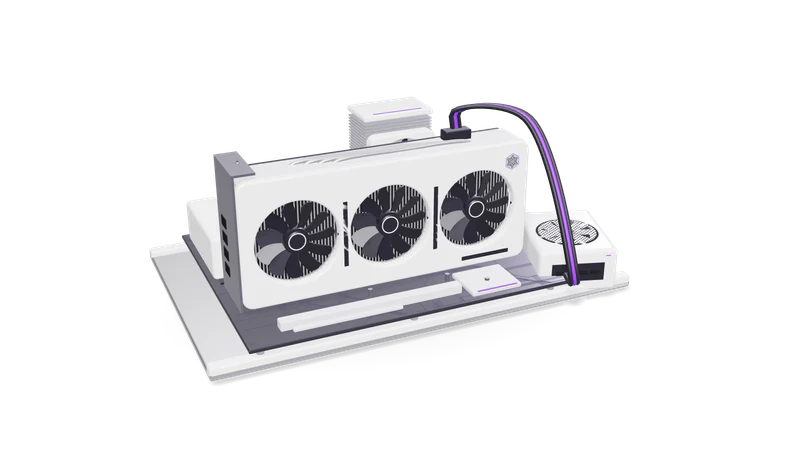
VRAM is fast memory on the GPU that holds the model's weights and working data. Spilling into system RAM slows generation sharply.
VRAM (video random access memory) is the high-speed memory attached directly to a GPU. The name comes from graphics, where it held textures and frames. In AI it holds the model's weights, the inputs being processed, and intermediate results.
The GPU can read VRAM far faster than it can reach normal system RAM over the PCIe bus. When a model spills out of VRAM into system memory, generation slows sharply.
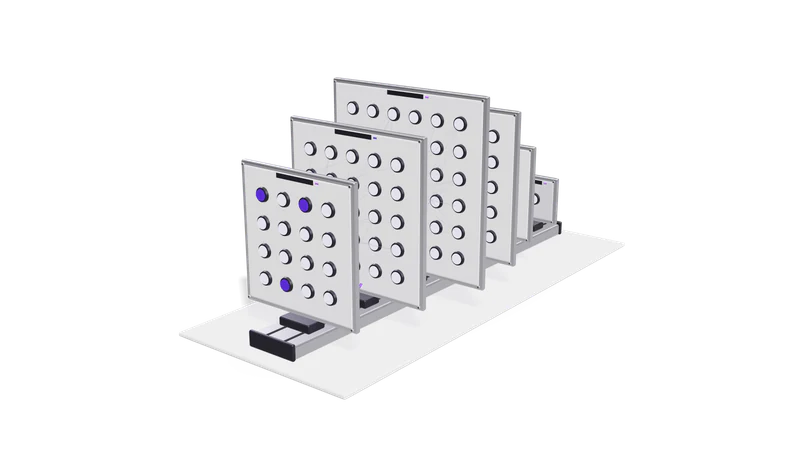
Weights take parameters times bytes: a 7 billion parameter model needs about 14 GB at 16-bit, about 4 GB at 4-bit. Then add the KV cache.
Start with the weights: parameters × bytes per parameter.
Then add the KV cache, the memory that stores attention data for every token in the conversation. It grows with the context window you actually use and with the number of users served at once. Long documents and many concurrent users can need as much memory as the weights. Leave headroom for the framework itself. Our free VRAM calculator adds these up for common open-weight models.
VRAM sets the largest private model you can run and how many staff can share it.
For a private LLM, VRAM sets the largest model you can run and how many staff can use it at once.
On a GPU you already own, VRAM shows which models and quantization levels are realistic.
If you already own a GPU, VRAM tells you which open-weight models and quantization levels are realistic.
Higher resolutions and longer clips need more VRAM; too little means slower workarounds.
Higher resolutions and longer clips need more VRAM; too little means smaller outputs or offloading tricks that slow everything down.
Our 8 GB laptop GPU holds an 8 billion parameter model at 4-bit but not 16-bit. A 70 billion model needs a data centre card or several GPUs.
An 8 GB laptop GPU, like the RTX 3070 Ti in our lab machine, can hold an 8 billion parameter model at 4-bit with room for a moderate context. Try the same model at 16-bit (about 16 GB) and it will not fit. A 70 billion parameter model at 4-bit needs about 35 GB at a pure 4 bits and about 43 GB in the common Q4_K_M format, for weights alone, which means a data centre card or several GPUs.
Ignoring the KV cache means a model loads, then fails on the first long document.
The model loads, then runs out of memory on the first long document because the KV cache was ignored.
System RAM does not help an 8 GB GPU except through slow offloading.
64 GB of system RAM does not help a GPU with 8 GB of VRAM, except through slow offloading. Apple silicon and some newer chips share one memory pool, which changes the picture.
Ten users need far more KV cache than one on the same model.
One user and ten users on the same model need very different amounts of KV cache.
Multiply the parameter count by the bytes per parameter for your chosen precision, then add room for the KV cache. A 7 to 8 billion parameter model at 4-bit runs on 8 GB. A 70 billion parameter model at 4-bit needs around 40 GB or more.
Inference servers such as vLLM and llama.cpp can split a model across several GPUs, so their memory adds up for capacity. Speed depends on how fast the cards talk to each other.
It fails to load, or the software offloads some layers to system RAM or disk. Offloading works but is much slower, often too slow for interactive use.
Last updated